
3D Printing Tolerances and Keychain Fit: What ±0.2 mm Actually Means
Nuho India Team
Nuho Creative Team
Key Takeaways & TL;DR
- Short answer: 3D printing tolerances are the acceptable dimensional gap between the size you designed and the size that comes off the printer. Desktop FDM typically lands within ±0.15 mm to ±0.5 mm [1
- Accuracy, precision and tolerance are three different words
- What different processes actually achieve
- Why a printed part rarely matches the CAD file
- The three fits, and which one a keychain needs
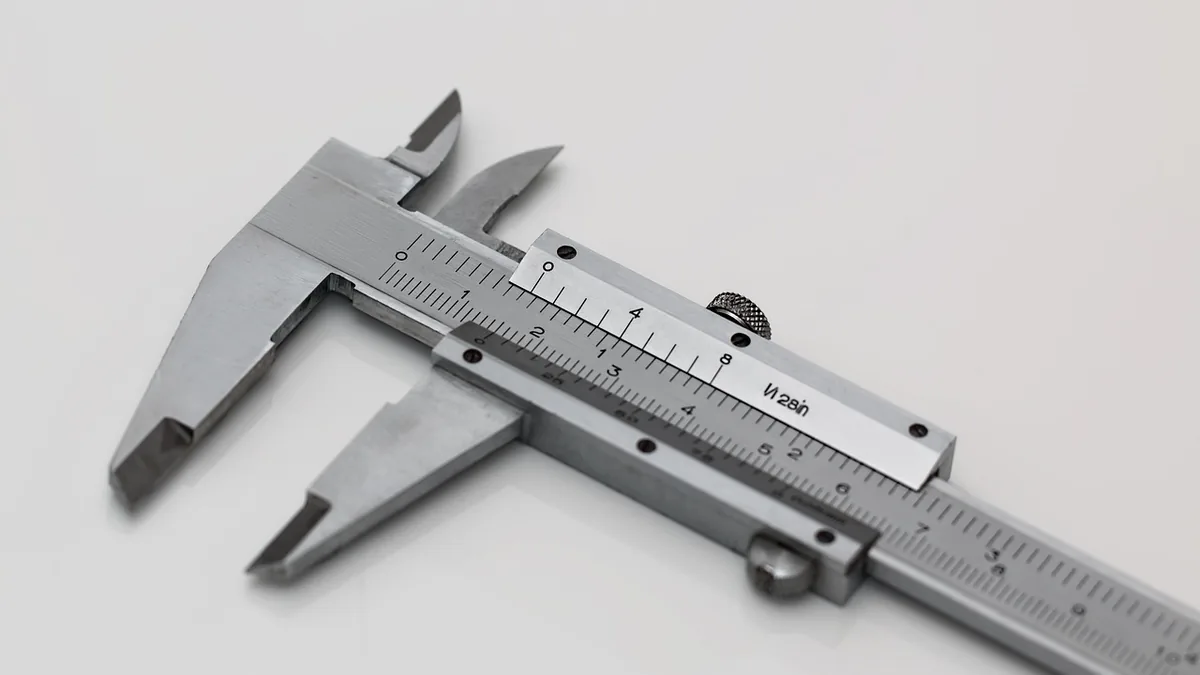
vernier caliper, measuring instrument, vernier scale, measurement, accuracy, precision, engineering
3D Printing Tolerances and Keychain Fit: What ±0.2 mm Actually Means
Short answer: 3D printing tolerances are the acceptable dimensional gap between the size you designed and the size that comes off the printer. Desktop FDM typically lands within ±0.15 mm to ±0.5 mm [1], resin within ±0.05 mm to ±0.15 mm [1]. For parts that must fit together, you design an explicit clearance instead: 0.3–0.5 mm for something that slides, 0.1–0.2 mm for a snug location, and a deliberate 0 to −0.05 mm overlap for a press-fit [1]. Nuho publishes a dimensional tolerance of ±0.2 mm or ±0.2 %, whichever is greater, which is what decides whether a keychain's split ring drops through its hole.
If you have ever ordered a personalised keychain and found the ring would not pass through, or a clip that felt loose, this is the number responsible. Tolerancing is not a defect — it is the budget for the physical reality that hot plastic shrinks as it cools, layers squish, and vibration introduces small shifts [1].
Accuracy, precision and tolerance are three different words
These terms get used interchangeably and that causes most of the confusion [2]:
| Term | What it measures | Keychain example |
|---|---|---|
| Accuracy | How close the printed part is to the CAD dimensions | The hole came out 8.0 mm instead of 8.2 mm |
| Precision | How consistently the same result repeats print to print | Every batch of the same keychain lands within the same few hundredths |
| Tolerance | The deviation you accept so the part still works | "Anywhere between 7.9 and 8.3 mm is fine for this ring" |
Tolerance is a decision, not a measurement — it depends entirely on the application. A dynamic mechanical assembly needs far tighter control than a plain plastic enclosure [2]. A keychain sits in between: the loop must accept a standard split ring, but nobody is measuring it with a micrometer.
One correction worth making early: a printer's quoted XY resolution or Z layer thickness is not its dimensional accuracy. Those describe detail, not whether the finished part is the right size [2].
What different processes actually achieve
There is no single tolerance number for "3D printing". The process decides most of it:
| Process | Typical tolerance | Source |
|---|---|---|
| FDM (filament) | ±0.15 mm to ±0.5 mm | Snapmaker [1] |
| SLA (resin) | ±0.05 mm to ±0.15 mm | Snapmaker [1] |
| SLS (nylon powder) | ±0.3 mm | Snapmaker [1] |
| FDM, percentage form | ±0.5 % of the dimension | Formlabs [2] |
| SLA, percentage form | ±0.15 % for 1–30 mm features, ±0.2 % for 31–80 mm, ±0.3 % for 81–150 mm, floor of ±0.02 mm | Formlabs [2] |
| SLS / MJF | ±0.5 % or 0.3 mm, whichever is larger | Formlabs [2] |
Read those together and a pattern appears: smaller features hold tighter absolute tolerances, and percentage-based rules get worse as the part grows. A 15 mm keychain sits in the most forgiving part of the curve — but so does every other small accessory, which is exactly why fit has to be designed rather than hoped for.
Nuho publishes its own figure rather than a process range: ±0.2 mm or ±0.2 %, whichever is greater, with a minimum wall thickness of 1.2 mm for FDM parts and 0.8 mm for resin. Those two numbers work together — a wall too thin cannot hold a dimension reliably, which is why the minimum exists alongside the tolerance.
Why a printed part rarely matches the CAD file
Several things happen between the model and the object:
Material shrinkage. Plastic contracts as it cools. ABS shrinks noticeably more than PLA, to the point where Snapmaker recommends scaling a model up by 1–2 % in the slicer to compensate [1]. Formlabs notes the same physics from the other direction: higher-temperature materials warp more because they contract further during cooldown [2].
Layer construction. Parts are built one layer at a time, and at around 200 microns the visible stair-stepping that produces also affects dimensional accuracy [3]. Layer height is a finish decision and a dimensional one at the same time — which is why our layer height comparison treats it as more than an aesthetic choice.
Part orientation. A vertically oriented part suffers lower adhesion between layers and lets errors accumulate up the build [3]. Laying a part flat gives a more stable layering pattern but introduces differential cooling across a large surface. Protolabs' build team often applies a 10–15° angle to reduce stair-stepping while limiting that cooling problem [3].
Part size. As a part grows — anything banana-sized or larger — thermal effects, warpage and longer build times accumulate [3]. Small features inside a large part usually stay accurate themselves; it is their position that drifts.
Post-processing. Resin parts shrink during post-cure [2]. For FDM, sanding a mating surface is a reasonable fix when the part is a one-off, but Formlabs is direct about the trade-off: once you are making multiples, proper tolerancing in the design phase pays for itself [2].
The three fits, and which one a keychain needs
The three fit classes used when two parts meet are clearance, transition and interference [1][4].
| Fit type | Design gap | What it feels like | Where it appears on a keychain |
|---|---|---|---|
| Clearance | 0.3–0.5 mm | Slides and rotates freely | Split ring through a hole; a tag sliding on a bar |
| Transition | 0.1–0.2 mm | Snug, locational, no rattle | A pin seated in a recess; a lid that stays put |
| Interference | 0.0 to −0.05 mm | Press-fit, held by friction | A snap tab that must not fall out; a permanent peg |
Those numbers are FDM recommendations [1], and they explain a great deal about how a keychain behaves in daily use. A split ring wants a clearance fit — if the hole is printed at exactly the ring's diameter, the ring binds, because the hole almost always comes out slightly undersized on filament printers. Design the hole 0.3–0.5 mm larger and it threads cleanly every time.
A snap-fit clip wants the opposite: a deliberate overlap, relying on the plastic's flex to grip. That is the one fit that gets tighter as tolerances drift, which is why a clip that feels perfect on day one can be the first thing to fatigue.
There is also a material subtlety Formlabs points out: more compliant materials carry a wider tolerance zone than rigid ones [1][2]. A TPU tag flexes through a fit that would bind if it were printed in PLA+.
What this means when you order a personalised keychain
For a buyer rather than a designer, tolerance shows up as three practical questions:
Will the ring fit? The hole in a 3D printed keychain is the single most common place a tolerance problem appears. If you are supplying artwork, leave the ring hole slightly generous rather than tracing it exactly — a hole that is 0.4 mm over is invisible and usable; one that is 0.2 mm under needs a file re-cut.
Will the clip hold? Snap-fit elements are interference fits. They depend on the plastic springing back, which means they are sensitive to both tolerance and temperature — see below.
Will it still fit in six months? This is the India-specific part. Nuho's published material data lists a heat deflection temperature of 55 °C for PLA+ and 75 °C for PETG. A car dashboard in an Indian summer passes 55 °C comfortably, and a PLA+ clip that is a precise interference fit at 25 °C will have relaxed by the time it sits on a sunlit dash for an afternoon. For anything that lives in a vehicle, PETG's higher margin is the meaningful difference — our PLA versus PETG durability notes set out the wider trade-off.
That is a material decision as much as a tolerance one, and it is worth making before ordering rather than after. Three products where the fit question actually bites:
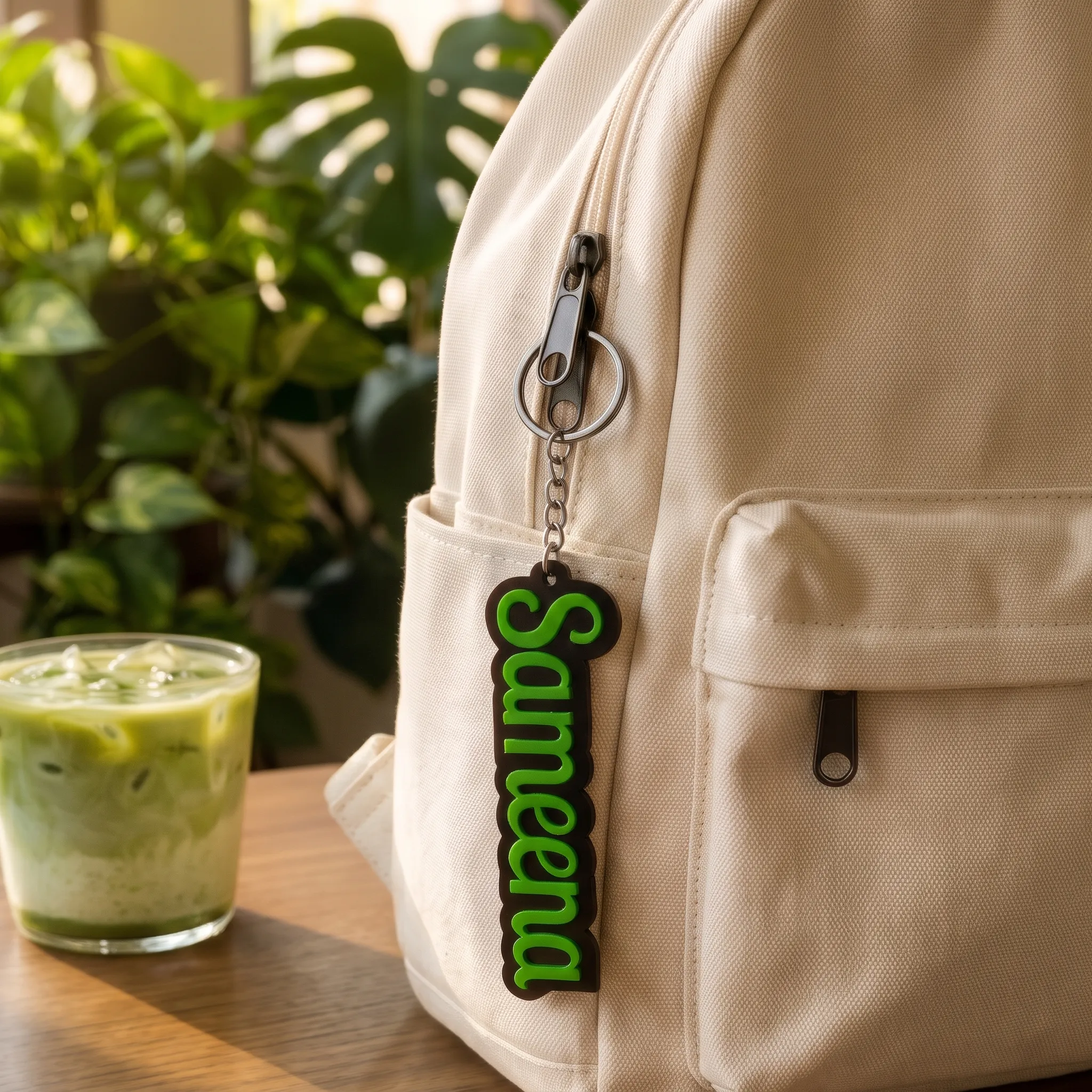
- Custom Name Keychain – Personalised 3D Printed Name — the ring hole and the lettering wall thickness are both tolerance-dependent; a thin stroke has less material holding its dimension.
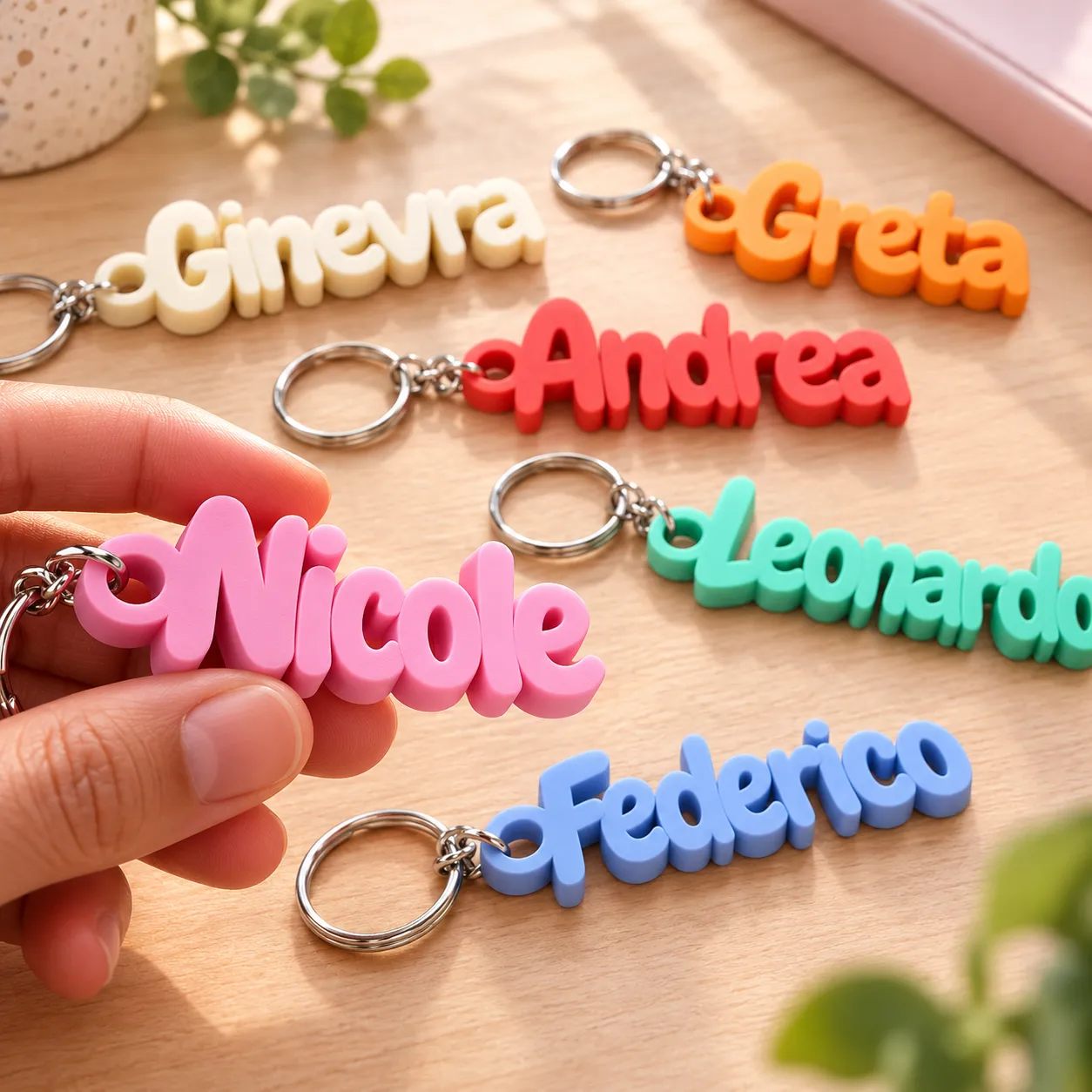
- Custom Name Keychain with Parametric Design — parametric geometry means repeated features that must stay consistent batch to batch, which is a precision question as much as an accuracy one.
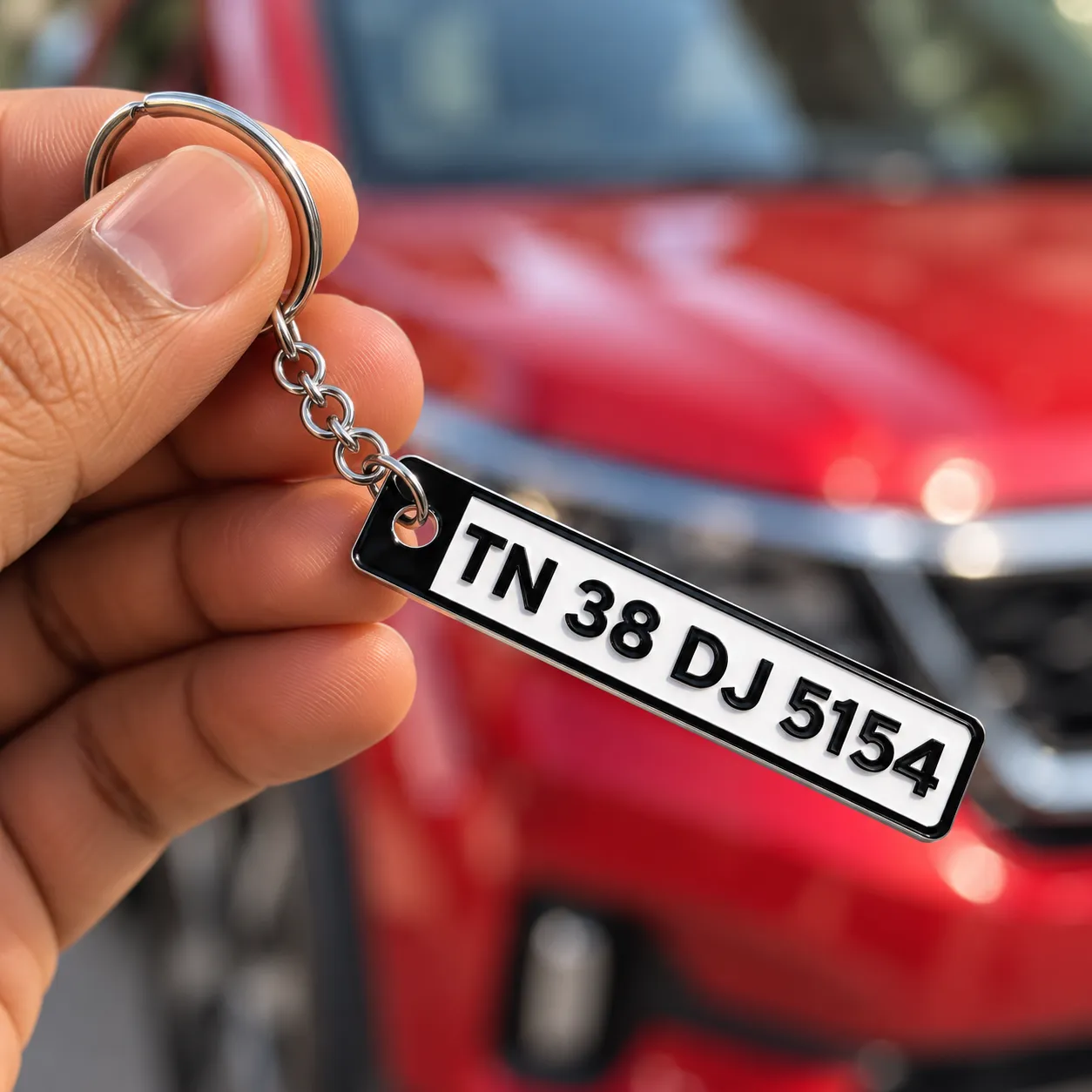
- Custom 3D Printed Car Numberplate Keychain — the item most likely to sit on a sunlit dashboard, so the material choice above matters more than the tolerance does.
A fit checklist before you order
- Say what has to fit. A standard split ring, a specific car fob, a backpack clip — name the object and its diameter. "It should fit my keys" is not a specification.
- Leave clearance on holes. For a ring or bar that must pass through, design 0.3–0.5 mm of gap rather than matching the nominal size [1].
- Keep walls at or above the minimum. Nuho specifies 1.2 mm for FDM. Below that the feature cannot hold its dimension reliably.
- Match material to environment. PLA+ for indoor and everyday items; PETG where heat or outdoor exposure matters. Our bike keychain ring-size guide covers the sizing side of the same problem.
- Send a real file format. Nuho accepts STL, STEP, OBJ and 3MF. STEP carries exact geometry where a coarse STL mesh will not.
- Ask which dimension is critical. Protolabs makes the point that build-prep teams optimise orientation around the dimensions a customer flags as essential [3]. Naming the one dimension that matters improves the result.
If you are ordering rather than designing, most of this is handled for you — but knowing to ask about the ring hole and the intended environment will save a reprint.
Where tolerance stops being enough
Two honest limits. First, a tolerance band is not a guarantee of fit on its own: a part can be inside tolerance and still not assemble if two toleranced parts stack in the worst direction. Second, tolerance is process-dependent, so the same CAD file gives different results from a filament machine and a resin one — which is a reason to pick the process for the job rather than defaulting.
For a small personalised item the practical takeaway is simple: ±0.2 mm is a normal, honest figure for filament printing, it is small enough to be invisible on a keychain, and it is large enough that any hole or clip has to be designed with the gap built in.
Frequently asked questions
What tolerance can a 3D printed keychain hold?
Desktop FDM typically achieves ±0.15 mm to ±0.5 mm, and resin ±0.05 mm to ±0.15 mm [1]. Nuho publishes ±0.2 mm or ±0.2 %, whichever is greater, for its FDM parts. On a keychain-sized object that variation is generally invisible; it matters only where two parts meet.
Why will a split ring not go through the hole?
The hole almost always prints slightly undersized on a filament printer, because the extruded plastic squishes outward into the gap. Designing the hole 0.3–0.5 mm larger than the ring's diameter — a clearance fit — resolves it [1].
Does a tighter tolerance make a better keychain?
Not automatically. A tolerance is only correct if it matches the function: a ring needs clearance, a snap needs deliberate interference, and a decorative face needs neither. Specifying tighter than the process can repeat simply adds cost without improving the part.
Is ±0.2 mm good or bad?
It is normal for filament printing and sits inside the published FDM range of ±0.15 mm to ±0.5 mm [1]. Resin holds tighter, around ±0.05 mm to ±0.15 mm [1], which is why fine detail favours it — but a keychain does not usually need that.
Does heat affect the fit of a printed keychain?
Yes. PLA+ deflates its margin at a heat deflection temperature of 55 °C, which a car dashboard can exceed, while PETG is rated to 75 °C. A press-fit that is precise at room temperature can relax in a hot car, so PETG is the better choice for anything kept in a vehicle.
Which file format should I send for an accurate part?
Nuho accepts STL, STEP, OBJ and 3MF. STEP and 3MF carry exact geometry, while an STL is a triangle mesh whose accuracy depends on how finely it was exported — a coarse mesh introduces error before the printer ever starts.
The bottom line
Tolerances are the gap between a design and a real object. Filament printing gives you roughly ±0.15 mm to ±0.5 mm [1], resin does better, and the fix for any part that has to fit is to design the clearance in rather than expect the printer to hit a nominal number. On a keychain that means a generous ring hole, walls at or above 1.2 mm, and a material chosen for where the item will actually live.
If you are ordering, the decisions that matter are the ring hole and the environment. Browse Nuho's keychain range to see what is available, or read our car fob fit guide if the item needs to work with an existing key.
Sources
Featured Custom Products
Frequently Asked Questions
More Articles You Might Like
3D Print Delamination: Why Layers Split and How to Stop It
Short answer: 3D print delamination happens when a new layer of plastic fails to weld itself to the layer beneath it, so the two separate along a layer line. The four usual causes...
What to Do With Failed PLA Prints and 3D Printing Scraps
A practical guide to sorting failed PLA prints, checking local recycling options and avoiding misleading composting assumptions.
Desktop 3D Printer Ventilation: A Practical Filament Safety Checklist
A practical starting checklist for managing particles and vapours from desktop filament 3D printers.