
3D Printing Layer Height: 0.12 mm vs 0.2 mm vs 0.28 mm
Nuho India Team
Nuho Creative Team
Key Takeaways & TL;DR
- Layer height should stay below about 80% of the nozzle diameter, so a 0.4 mm nozzle tops out near 0.32 mm — Prusa's documentation puts the practical everyday floor at 0.10 mm.
- Dropping from 0.2 mm to 0.12 mm adds about 67% more layers and typically 30–60% more print time; going to 0.28 mm removes about 29% of layers and usually saves 15–30%.
- Strength is mostly set by perimeter count, print orientation and nozzle temperature — not by choosing 0.12 mm over 0.2 mm.
- At Nuho India, PLA+ keychains are printed at about 215 °C and typically 0.16–0.2 mm, weighing 14–18 g with 24–48 hour manufacturing in Coimbatore, Tamil Nadu.
- A 0.28 mm layer leaves roughly 2.3 times the stair-step ledge of a 0.12 mm layer on sloped surfaces, while flat embossed text looks identical at either height.
What is layer height in 3D printing?
Layer height is the thickness of each horizontal slice of plastic a filament printer deposits — 0.12 mm, 0.2 mm or 0.28 mm on a typical 0.4 mm nozzle. It sets vertical resolution and dominates print time: thinner layers look smoother and take longer, thicker layers print faster and show visible stepping.
That is the whole trade in one sentence, but the practical version is messier. Layer height does not change how sharp a shape is in the horizontal plane, it does not automatically make a part stronger, and past a point it stops buying you anything except a longer wait. This guide compares the three heights we actually use, explains the nozzle rule that caps them, and covers what we set at Nuho India when a keychain has to survive a pocket.
The short answer for most people: 0.2 mm is the default that suits the widest range of prints, 0.12 mm is for surfaces and small detail, and 0.28 mm is for large objects where a visible texture is acceptable.
How do 0.12 mm, 0.2 mm and 0.28 mm compare?
Layer height is measured in the vertical direction only. A 0.12 mm print and a 0.28 mm print of the same file have identical outlines in X and Y; what changes is how finely the Z axis is stair-stepped, and how many times the nozzle has to travel around the shape.
| Property | 0.12 mm | 0.2 mm | 0.28 mm |
|---|---|---|---|
| Layer count on a 28 mm tall part | ~233 | 140 | 100 |
| Visible layer lines | Faint, close to smooth | Clearly visible up close | Pronounced, textured |
| Relative print time | Longest (often +30–60%) | Baseline | Shortest (often −20–30%) |
| Curved and sloped surfaces | Smooth stair-stepping | Noticeable stepping | Coarse stepping |
| Small text and fine recesses | Best legibility | Good | Blurred, needs redesign |
| Typical use | Miniatures, display pieces, fine lettering | General parts, keychains, prototypes | Large decor, draft prints, jigs |
| Nozzle compatibility | 0.4 mm and below | Any common nozzle | 0.4 mm and above |
The percentages are geometry-dependent. A thin-walled part spends most of its time on perimeters, so layer height moves it a lot; a chunky part spends time on infill and travel that layer height barely touches.
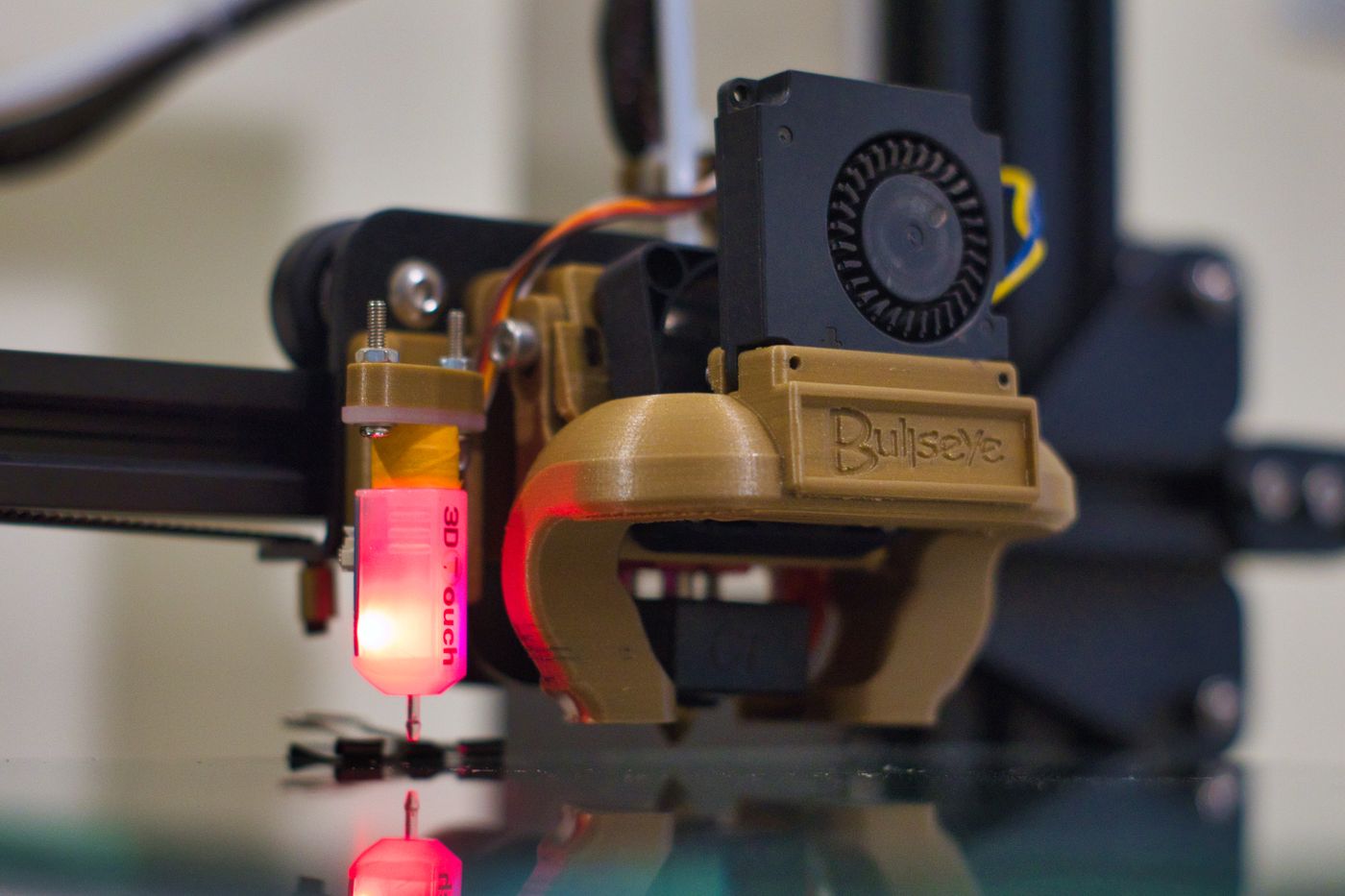 3d printing layer height — Detailed shot of a 3D printer nozzle operating in a workshop setting
Photo: Kuba Grzybek / Pexels
Stair-stepping is the effect people notice first. On a sloped or curved surface, each layer leaves a small horizontal ledge equal to the layer height, so a 0.28 mm print has roughly 2.3 times the ledge height of a 0.12 mm print. On a vertical wall, none of this appears — which is why a nameplate with straight sides can look clean at 0.28 mm while a curved keychain fob looks coarse at the same setting.
Why the nozzle diameter sets the ceiling
Layer height is bounded by the nozzle, not by the slicer's ambition. Prusa's documentation puts the working rule plainly: layer height should stay below about 80% of the nozzle diameter, which works out to roughly 0.32 mm maximum on a 0.4 mm nozzle, and the slicer will reject a layer height larger than the nozzle itself (Prusa Knowledge Base — Layers and perimeters).
The physical reason is squish. The nozzle has to press the extruded bead onto the layer below so the two fuse; if the gap is close to the nozzle's own width, there is very little pressure and the bead sits on top rather than bonding into it. That is also why 0.28 mm on a 0.4 mm nozzle is about as coarse as most machines should go, and why a 0.6 mm nozzle is the better route to genuinely fast, thick-layer printing.
The same source is unusually blunt about going the other way. Below about 0.10 mm, the improvement in surface quality is minor while print time climbs steeply, so 0.07 mm and 0.05 mm layers are specialist settings, not everyday ones. If you need finer horizontal detail than a 0.4 mm nozzle gives, changing the nozzle diameter does more than halving the layer height ever will — we cover that trade in the 3D printer nozzle size guide.
Does a thinner layer make a stronger part?
Not reliably, and this is where most layer-height advice goes wrong. Prusa's own guidance states that a model's strength is mostly defined by the number of perimeters, not by infill or layer height — if you want a stronger print, add walls. Layer height changes how many interfaces exist between layers, but it also changes how much each new bead re-heats the layer beneath it, and those two effects pull in opposite directions.
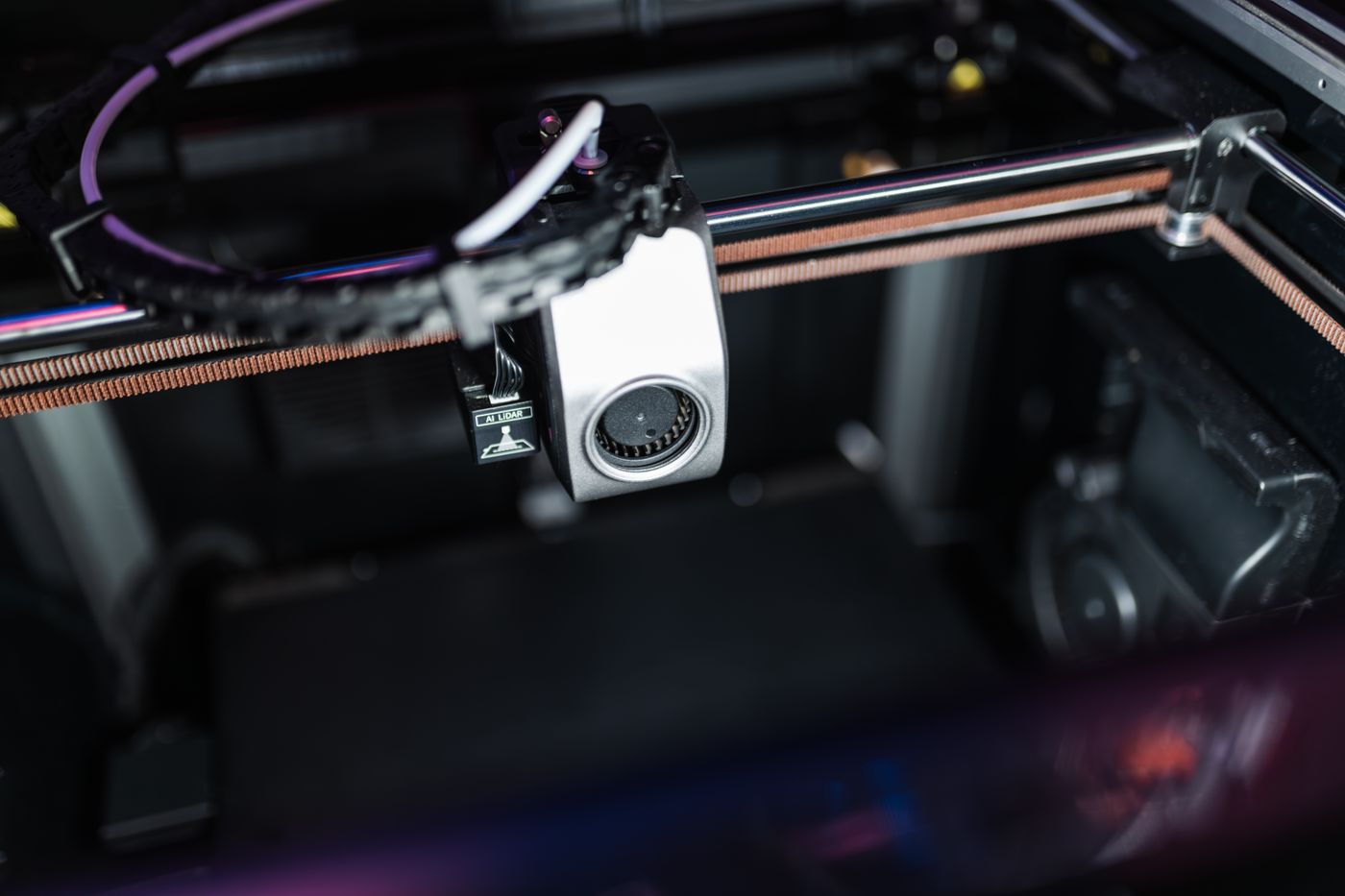 3d printing layer height — Detailed image showcasing the intricate components of a high-tech 3D printer in action
Photo: Matheus Bertelli / Pexels
Published results disagree depending on material and parameter range. A review of PLA and composite studies notes that one optimisation found 0.1 mm layer thickness among the best settings for tensile strength, while other work finds surface roughness driven mainly by extrusion multiplier and temperature rather than layer thickness (Polymers, 2026 — extrusion parameters and tensile properties). The honest summary: temperature, flow, cooling, wall count and print orientation matter more than the choice between 0.12 mm and 0.28 mm.
For a part that gets pulled, dropped or bent, the order of leverage is roughly:
- Orientation — print so the load runs along the layers, not across them.
- Perimeters — 3 or 4 walls instead of 2.
- Temperature and flow — hot enough to bond, not so hot that corners slump.
- Layer height — a secondary effect, useful for surface, not a strength dial.
Where layer height does affect durability is at sharp internal corners and thin features. A 0.28 mm layer cannot resolve a 0.3 mm tall step, so thin ribs and small clips print as mush; at 0.12 mm they come out as designed and therefore survive.
How much print time does layer height actually change?
The layer count scales inversely with layer height, so the arithmetic is simple. Going from 0.2 mm to 0.28 mm removes about 29% of the layers; going from 0.2 mm to 0.12 mm adds about 67%.
| Change | Layer count | Realistic print-time effect |
|---|---|---|
| 0.28 mm from 0.2 mm | −29% | 15–30% faster on most parts |
| 0.12 mm from 0.2 mm | +67% | 30–60% slower on most parts |
| 0.08 mm from 0.2 mm | +150% | Often more than double |
The gap between layer count and time is overhead: travel moves, retractions, acceleration limits and cooling all stay roughly constant per layer, so time does not scale perfectly. On tall, thin, perimeter-heavy objects it comes close; on flat, wide objects it barely moves.
For a concrete case, a 40 mm tall keychain holder printed at 0.2 mm with 3 walls typically runs a few hours on a well-tuned machine, while the same file at 0.12 mm can add an hour or more. If time is the constraint, how long 3D printing takes breaks down where the hours actually go.
What layer height do we print keychains at?
At Nuho India, custom keychains are printed in PLA+ at about 215 °C, usually at 0.16–0.2 mm, with letters fused to a continuous backing plate rather than glued on. The finished tag lands around 14–18 g, and manufacturing and despatch take 24–48 hours from Coimbatore, Tamil Nadu.
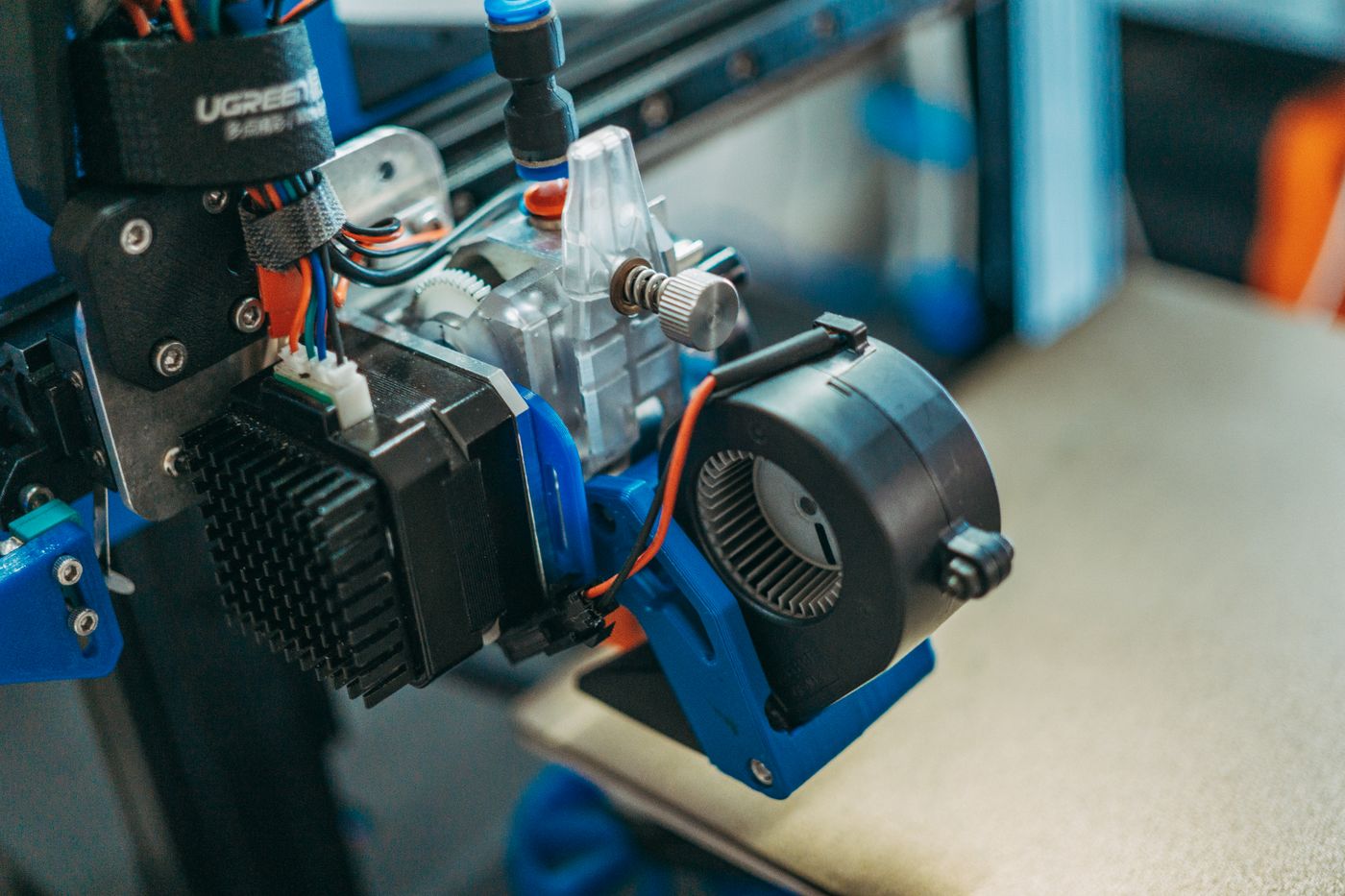 3d printing layer height — Detailed view of 3D printer parts showing wires and equipment in a workshop setting
Photo: FOX ^.ᆽ.^= ∫ / Pexels
Here is the reasoning, because it is not the same as a display model.
0.2 mm is the workhorse. A name keychain is mostly flat plate with raised letters. The letters are vertical-walled extrusions, so their edges stay crisp regardless of layer height; what changes is the surface of the top face and the look of the side walls. At 0.2 mm the layer lines read as a fine texture that most people find acceptable and that hides minor pocket scuffs.
0.12 mm goes on fine lettering and small icons. When a name has thin strokes or a logo has tight counters, a thinner layer keeps the top surface clean and reduces the fuzzy top edge that thick layers leave on small features. It costs time, so we do not use it for every order.
0.28 mm is for large decor, not keychains. A 4 mm thick decorative panel at 0.28 mm prints quickly and the texture suits a rustic or matte finish. On something that hangs from a key ring and gets handled daily, the coarser top surface feels rougher and collects more grime in the layer lines.
PLA+ is not a high-temperature material. Its base polymer has a glass transition around 60–65 °C (Wikipedia — Polylactic acid), so no layer height saves a keychain left on a car dashboard in an Indian summer. That limitation is worth knowing before you choose a material at all; the PLA vs ABS comparison covers where each one belongs.
If you want to see how the finished texture actually looks before ordering, the Nuho India product range shows the keychains and decor at working size.
Which layer height should you choose?
Work backwards from what the part has to do, not from what looks most precise in a menu.
- Miniatures and display models: 0.08–0.12 mm with a 0.25–0.4 mm nozzle. Accept the time; this is the one case where surface quality is the whole product.
- Keychains, tags and nameplates: 0.16–0.2 mm. Fine enough for lettering, fast enough to keep a batch moving.
- Functional brackets, jigs and repairs: 0.2–0.28 mm with 3–4 perimeters. Strength comes from walls; layer height is not the lever.
- Large decor, planters, props: 0.28 mm with a 0.4 or 0.6 mm nozzle. The texture is part of the finish.
- Draft checks and fit tests: 0.28–0.32 mm, lowest reasonable infill. Only the dimensions matter.
Print one small representative part at both candidate heights before committing a long print.
What about the first layer and top layers?
First layer height is a separate setting for a good reason: a slightly thicker first layer tolerates bed imperfections and improves adhesion. Prusa's stock profiles use 0.20 mm for the first layer even when the rest of the print runs finer, and changing it usually means re-checking first-layer calibration.
Top and bottom solid layers interact with layer height directly. The same physical thickness needs more layers as the layer gets thinner — Prusa gives the example of 3 top layers at 0.3 mm versus 9 top layers at 0.1 mm. Keep the solid thickness constant rather than the layer count, or a fine print ends up with a top surface that sags into the infill.
Cooling also needs a second look. Thin layers spend less time under the nozzle and get more cooling per unit of plastic, which is good for overhangs and bad for layer bonding. On a fine print, dropping part-cooling a little and raising nozzle temperature by 5 °C often recovers the interlayer strength that the extra layers cost you.
Where layer height stops mattering
Three things layer height cannot fix:
Horizontal detail. Embossed text lying flat on the bed looks the same at 0.12 mm and 0.3 mm, because the top face is formed by the nozzle path in XY, not by stacking. If a flat name is blurry, the nozzle, flow or font is the problem.
Wall thickness accuracy. Ideal wall thickness changes with layer height, because the extrusion cross-section changes. Two 0.45 mm perimeters do not equal 0.90 mm; the slicer overlaps them, and the recommended value shifts when you change layer height.
Warping and bed adhesion. Those are first-layer, temperature and surface problems. A finer layer will not save a part that is already lifting at the corners.
Common layer height mistakes
- Chasing 0.05 mm on a 0.4 mm nozzle. Diminishing returns, long prints, and a higher chance of clogs from low flow.
- Assuming fine equals strong. Walls, temperature and orientation decide that.
- Changing layer height without re-checking flow. The extrusion volume per millimetre changes; a print tuned at 0.28 mm usually over-extrudes at 0.12 mm.
- Using 0.28 mm on small text. Counters fill in and strokes merge. Redesign the lettering larger or go finer.
- Judging a print from the first 10 layers. Fine layers amplify bed flaws; fix the bed first.
Layer height is one number in a slicer full of them, and it earns its reputation because it is the one you can see. Set it for the surface you need, then spend your remaining effort on walls, temperature and orientation — the settings that decide whether the part lasts.
Frequently Asked Questions
More Articles You Might Like
Resin 3D Printing Safety: Gloves, Ventilation and Waste
Resin 3D printing safety for home setups: nitrile gloves, real extraction, a two-jar IPA wash, and how to solidify resin waste instead of pouring it away.
Filament Storage in Indian Humidity: Boxes, Silica and Meters
Filament storage in Indian humidity: which boxes hold 20-30% RH, how much silica you need, hygrometer checks and how to dry a wet spool without deforming it.

3D Printed Gift Boxes: STL Files, Fit and Finishing (2026)
A practical guide to 3D printed gift box STL files: lid clearance, wall thickness, layer height, filament cost and finishing steps that survive real handling.