
Gaming Keychains in India: Controller, Console and Name Designs
Nuho India Team
Nuho Creative Team
Key Takeaways & TL;DR
- A daily-carry gaming keychain should be 50-60 mm wide, 3-4 mm thick and 14-18 g; Nuho India prints PLA+ controller and gamertag tags at Rs.129-Rs.149 with 24-48 hour despatch.
- A 0.4 mm nozzle resolves about 0.4 mm of detail, so lettering needs an 8 mm cap height and a 1 mm minimum stroke to stay readable.
- Plain PLA breaks down at under 10% elongation, which is why toughened PLA+ and a continuous backing plate matter at the narrow joystick neck.
- PLA softens between 60-65 C, so a keychain survives pockets, rain and wash water but permanently deforms on a sun-baked car dashboard.
- Console miniatures under 35 mm wide lose their detail; keep 3-6 mm of depth and skip stand bases on anything that hangs from keys.
What Makes a Gaming Keychain Worth Carrying?
A gaming keychain holds up when it is one flat printed piece, 50–60 mm wide, 3–4 mm thick and 14–18 g, with the controller shape fused to a continuous backing plate instead of glued on. Nuho India prints custom PLA+ gaming keychains in Coimbatore, Tamil Nadu, for ₹129–₹149, with 24–48 hour manufacturing and despatch.
"Gaming keychain" is one search phrase covering three different products. There is the controller replica — a miniature DualSense or Xbox pad on a ring. There is the console miniature — a tiny PS5 or Switch that lives on a desk more often than on keys. And there is the gamertag tag: your name, your handle, a jersey number, printed as lettering you can actually read.
Each one fails for a different reason. A controller replica snaps where the joystick meets the body. A console miniature looks wrong because it was scaled down until the disc slot became a smear. A name tag becomes unreadable because someone used a hairline serif at 8 mm. This guide covers what to buy, what each controller's real shape demands, and how the printing actually works.
Do Controller Keychains Fit Real Keys?
Sort of — the shape has to be designed for a pocket, not shrunk from a product photo. The three mainstream controllers differ enough that one template cannot serve all of them, and the published specs explain why.
| Controller | What the real pad is like (sourced) | Keychain shape that suits it | Target keychain weight |
|---|---|---|---|
| PS5 DualSense | Dual actuators for haptic feedback and adaptive triggers that change tension as you play (PlayStation) | Two-tone face, visible trigger ridges, grip curves cut as silhouette | 15–18 g |
| Xbox Wireless Controller | Xbox Wireless plus Bluetooth, 3.5 mm headset jack, AA batteries rated up to 40 hours (Xbox) | Hybrid D-pad motif, sculpted grip outline, flat back | 14–16 g |
| Switch Pro Controller | Roughly 235 g, 1,070 mAh internal battery, HD Rumble (specs) | Slim oval body, small face buttons, no deep undercuts | 12–15 g |
The number that matters is not the controller's weight — it is the keychain's. A 235 g pad lives on a table. A 16 g tag lives on your bike key, and your ignition barrel feels every extra gram when the bunch swings.
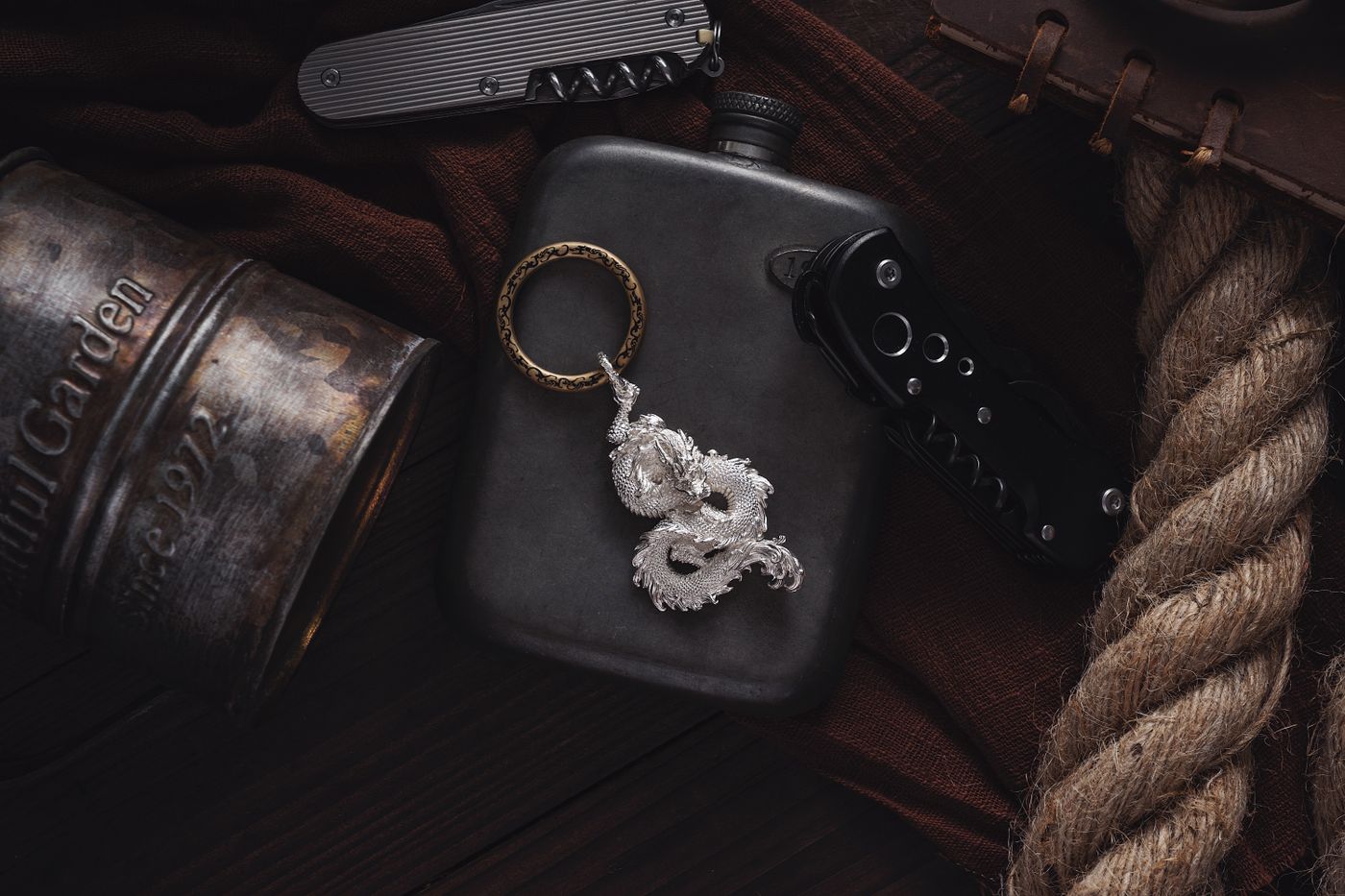 gaming keychain — A flat lay of a dragon keychain, pocket knife, and flask. Perfect for adventure or lifestyle themes
Photo: COPPERTIST WU / Pexels
Size is the second trap. A DualSense is a wide pad with pronounced grips, so a faithful miniature at full width runs past 65 mm and starts bridging pockets. The working compromise is 50–60 mm wide and 3.5–4 mm thick: wide enough to read the button layout, thin enough to sit flat against a fob.
Why Do Cheap Controller Keychains Snap at the Joystick?
Because the joystick is a lever bolted to a thin neck, and most budget keychains are either brittle sheet or a moulded shell with a hollow behind it.
Printed acrylic charms are the usual cheap option. Acrylic is glass-clear, which makes a controller face look sharp, but it is also glass-brittle: an impact at the narrow neck between the analog stick and the body takes the whole corner with it. The print is a surface layer, so a scuff removes colour and leaves a cloudy edge rubbing against coins.
Plain PLA has its own honesty problem. It is stiff but not tough — published data puts elongation at break for PLA under 10% (PLA properties), which reads as "strong until it suddenly is not." That is exactly why workshop filament is PLA+, a toughened PLA blend with impact modifiers, and why the shape is designed with a continuous backing plate instead of isolated stick shapes.
Three design rules do most of the work:
- No free-standing thin features. The analog sticks, trigger ridges and grip wings are raised detail on a solid plate, not separate towers.
- Minimum neck of 2.5 mm anywhere the silhouette narrows, especially around the ring hole.
- Radius every internal corner. A 1 mm fillet spreads load; a sharp internal corner concentrates it.
That is the same reasoning behind our material comparison of PLA+ against acrylic, metal and wood — the material decides the failure mode before the artwork ever matters.
Console Keychains: PS5, Xbox Series X or Switch — What Actually Prints?
A console miniature works when it keeps its front-face proportions and gives up depth instead of detail. The PS5's white shell around a dark core is a two-colour print; the Series X is close to a single tall box and prints cleanly at almost any size; the Switch is the easiest of the three because its screen bezel gives you a natural border to stop at.
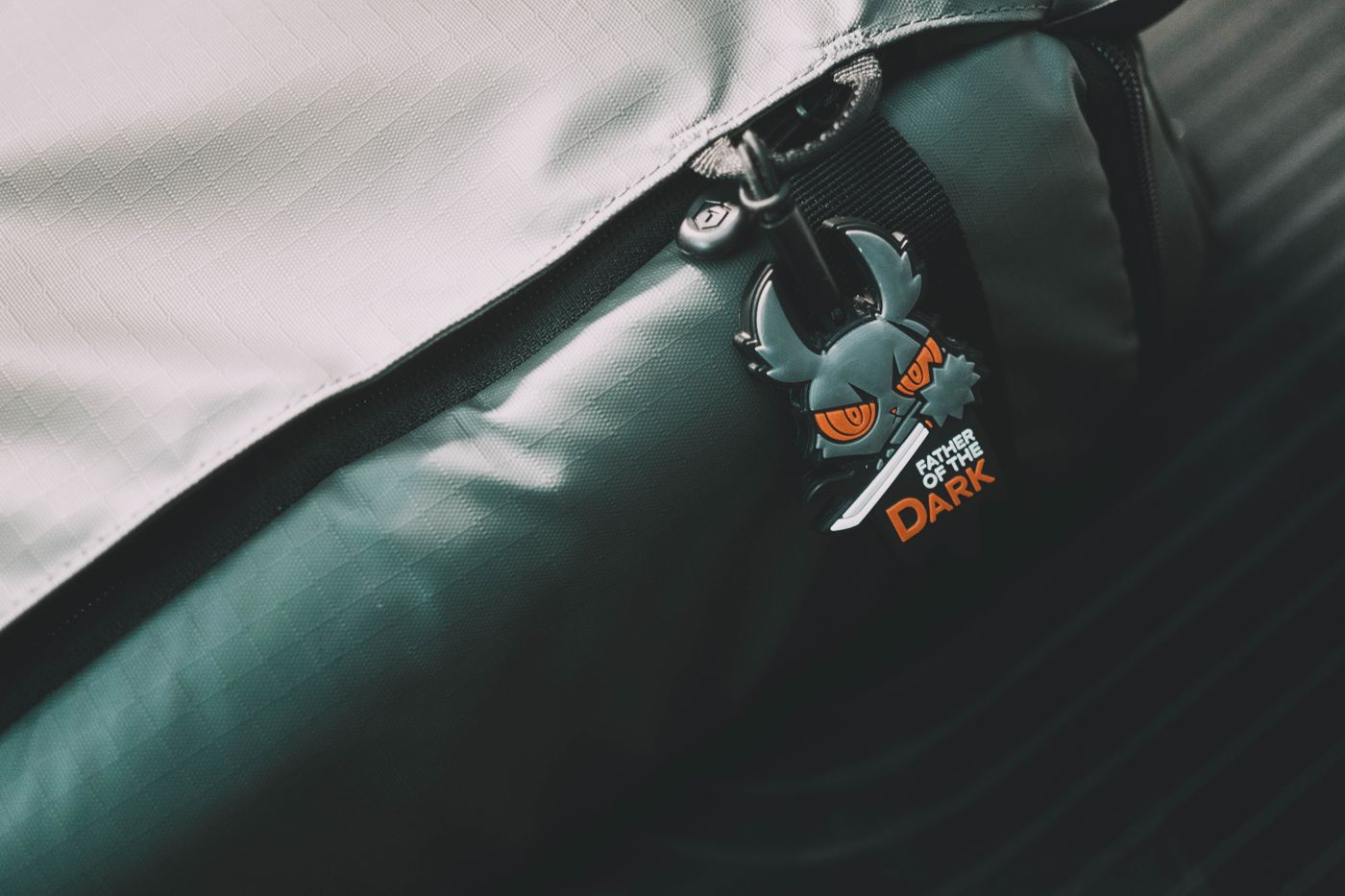 gaming keychain — Close-up of a backpack zipper adorned with a unique dark emoji-themed keychain. A blend of style and personality
Photo: FOX ^.ᆽ.^= ∫ / Pexels
Practical limits worth knowing before you send artwork:
- Below 35 mm wide, detail dies. A 0.4 mm nozzle resolves roughly 0.4 mm features, so a disc slot drawn at 0.3 mm prints as a groove that fills in.
- Depth over 6 mm starts to look like a paperweight and swings on a key ring.
- Stand bases are a bad idea on keys. They snap. If you want the console upright on a shelf, that is a decor piece, not a keychain.
- Two colours means two parts or a pause-and-swap print, which adds time and cost — worth it on a PS5 silhouette, rarely worth it on a Switch outline.
If you want the tiny-console look for a desk rather than a pocket, our guide to 3D printed name keychains for kids covers the sizing that keeps small printed objects safe and readable.
Gamertag and Name Keychains: What Survives at 50 mm?
Lettering is where most custom keychains quietly fail, and it is almost always a stroke-width problem rather than a font problem. At a 0.4 mm nozzle, any stroke under about 0.8 mm prints as a ragged line or fuses shut. Translate that into type: cap height of at least 8 mm, stroke weight of 1 mm or more, no hairline serifs.
For a gamertag, the constraints tighten further:
- Two lines maximum. A 10-character handle on line one and a real name on line two already needs a 55 mm plate.
- Symbols are fine, thin punctuation is not. An "@" survives at 1.2 mm stroke; a colon does not.
- Lowercase handles with tall ascenders ("shadowKill") read better than all-caps at small sizes, because the ascenders give the eye a shape to lock onto.
- Colour-blocked backgrounds beat outlines. A solid plate behind white letters stays legible at arm's length in a way an outline never does.
The same rules drive our name keychain design guide, and they explain why a bold display face looks better on a printed tag than the elegant script people pick from a font list.
How Is a Gaming Keychain Made in Coimbatore?
- Artwork check. The shape is vectorised and thickened: necks under 2.5 mm widened, strokes under 1 mm bumped, free-floating parts joined to the backing plate.
- Layout on a plate. The design becomes a solid body with raised detail at 0.6–1.2 mm, so buttons and grips read as texture rather than holes.
- Ring hole sizing. A 4 mm hole takes a 25–30 mm split ring; the hole is printed as part of the body with a reinforced collar, not drilled afterwards.
- Printing. PLA+ at about 215 °C, layer by layer, with the design oriented flat so layer lines run across the plate rather than along the thin neck.
- Fusion, not assembly. Letters and shapes are fused to a continuous backing plate — no glued-on brittle cut-outs, which is the single most common cause of a keychain losing half its name in a month.
- Cool, check, despatch. Weight checked against 14–18 g, edges dressed, then 24–48 hours to despatch anywhere in India.
A PLA+ tag at this size is waterproof in the ordinary sense: PLA is insoluble in water, so monsoon rain, wet hands and a wash under the tap do nothing. The limits are thermal. PLA's glass transition sits at 60–65 °C, so a keychain left on a dashboard in an Indian summer can soften and slump — not melt, but permanently deform. Keys in a pocket, a bag or a bike ignition are fine. Our full make-it guide walks through the same steps if you want to print your own.
 gaming keychain — Stylish leather draped with a silver keychain and wristwatch in a moody setting
Photo: COPPERTIST WU / Pexels
Where Should You Clip a Gaming Keychain?
Three carry points, three different loads:
- Keys. Keep the whole bunch under about 60 g total. A 16 g tag plus four keys is comfortable; add a metal bottle opener and the ignition barrel starts taking sideways pull.
- Backpack or controller bag. The safest place for a wider 60 mm console shape — no pocket pressure, no coin abrasion.
- Controller case zip. A small tag at 45 mm reads as a label and never touches a hard edge, which is why it survives longest.
Gaming keychains also make the easiest gift in a group of friends: pick each person's main game or pad, print their handle underneath, and you have a set that costs less than a single game. Our anime keychain guide covers the licensing line worth knowing — original art, names and handles are fine; a publisher's character is not, unless the licence exists.
What Should You Check Before Ordering a Gaming Keychain?
- Thickness of 3–4 mm, not 2 mm sheet with a printed face.
- Fused lettering. Ask directly whether the name is part of the printed body.
- Ring hole diameter of 4 mm with a reinforced collar, not a punched hole near an edge.
- Finished weight between 14 and 18 g — under 12 g usually means hollow or thin.
- A real colour count. Three-plus colours on a printed PLA+ tag means separate parts or swap pauses; be suspicious of a very low price for a complex layout.
- No licensed characters unless you hold the licence.
Prices and specs change with filament costs and model launches, so verify current figures with the manufacturer before buying. The construction rules above do not change. If you want a pad, a console or a gamertag printed as one piece, the Nuho India custom keychain range is built exactly to those numbers: ₹129–₹149, PLA+ at 215 °C, despatch in 24–48 hours.
Frequently Asked Questions
More Articles You Might Like
Stickers for Water Bottles: What Survives Washing and Ice
Water bottle stickers that survive hand washing, ice and school bags: surface tests, size maths, the dishwasher truth and better options for school names.
Anime Keychains in India: Custom Name Styles That Last
Anime keychains in India last when they are one flat printed piece. Sizing, katakana names, why acrylic chips, and what the law allows — explained.
Custom Sticker Sheets in India: Kiss-Cut Sets That Peel Clean
How to plan a custom sticker sheet in India: A4, A5 and A6 counts, kiss-cut peel mechanics, per-sticker cost maths and artwork rules for mixed designs.