
Common 3D Printing Problems: Warping, Stringing and Layer Shift
Nuho India Team
Nuho Creative Team
Key Takeaways & TL;DR
- Warping, stringing and layer shifting account for most failed desktop prints, and checking the first layer, filament dryness and belt tension fixes the majority.
- PLA's glass transition is 60–65 °C, so a part stays soft and shrink-prone long after it looks solid — draughts and AC vents cause corner lift no slicer setting can cure.
- Stringing has two independent causes: moisture flashing to steam in the hotend, and retraction that is too short; dry 4–6 hours at 45–55 °C before touching retraction.
- Layer shift is usually hardware — a belt, a pulley grub screw or a curled edge the nozzle hits — and the direction of the shift identifies the axis in seconds.
- Nuho India prints keychains in PLA+ at about 215 °C with letters fused to a continuous backing plate, at 14–18 g per tag and 24–48 hours manufacturing.
Common 3D Printing Problems: The Short Answer
Warping, stringing and layer shifting account for most failed desktop prints, and each has one dominant cause. Warping is uneven cooling pulling a part off the bed. Stringing is nozzle pressure combined with moisture inside the filament. Layer shifting is a mechanical fault — a loose belt, a slipping pulley, or the nozzle catching an edge that has already curled. Diagnose in that order and most prints stop failing.
That order matters because the faults imitate each other: a lifted corner can knock the nozzle hard enough to shift every layer above it, so a "layer shift" is often the second symptom of warping. A stringy print can also be a wet, hot or badly retracting print. Working upward from the bed removes the imitators.
Why the Same Three Faults Keep Appearing
Every fused-filament printer does the same thing: it lays molten plastic in stacked lines and relies on each new layer welding to the one beneath it while the whole part cools. Three bonds can fail. The bond to the build plate can break — warping. The bond to the previous layer can be interrupted mid-air during a travel move — stringing and oozing. The physical position of the nozzle can slip relative to the part — layer shifting.
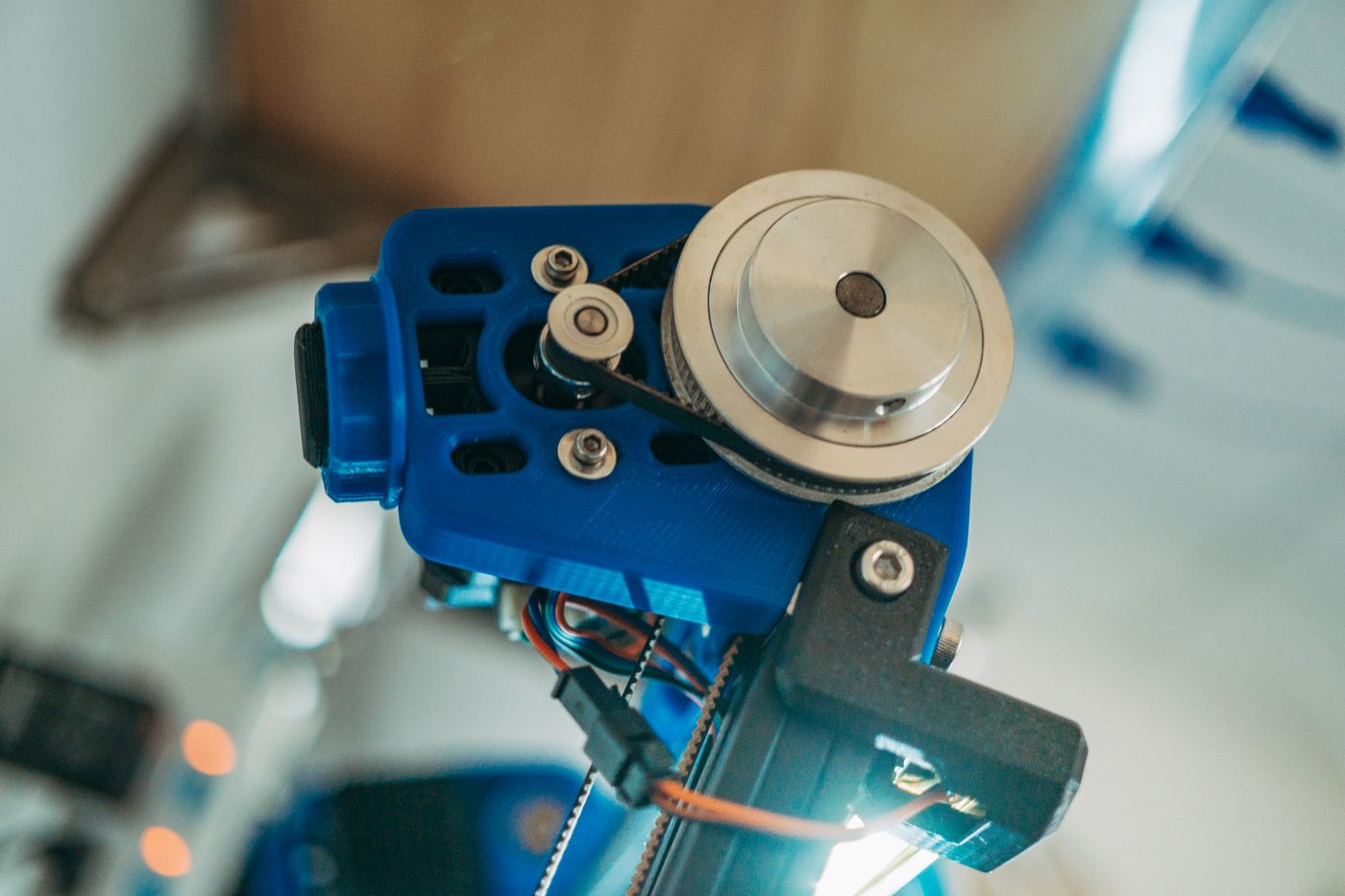 common 3d printing problems — Detailed view of a 3D printer's belt pulley mechanism in operation
Photo: FOX ^.ᆽ.^= ∫ / Pexels
Simplify3D's print quality troubleshooting guide groups dozens of visible defects under those same three headings — the diagnosis scales from a ₹15,000 starter machine to an enclosed print farm.
Warping: Why Do the Corners of My Print Lift Off the Bed?
Warping is a shrinkage fight. PLA is laid down hot, then cools and contracts. The bottom layer is pinned to the plate by adhesion; the layers above it contract freely. On a large flat part with sharp corners, that difference becomes stress concentrated at the corners, and once the plate lets go the corner curls upward and the part rocks.
The temperature window is narrower than most people expect. PLA's glass transition temperature is roughly 60–65 °C, so a part is still soft and shrink-prone for a long time after it looks solid. Anything that cools one side faster than the other — an air-conditioner vent, a ceiling fan, an open window in a Coimbatore summer — makes warping worse.
Dial warping out in this sequence:
- Clean the plate. Fingerprint oil is the single most common reason a first layer that worked last week stops working. Warm water and dish soap, then a dry lint-free cloth.
- Fix the first layer before anything else. A slightly squashed first layer has more contact area. If the lines look round on top instead of flat, the nozzle is too high.
- Add a brim, not a raft. A 5–8 mm brim gives the corners more grip without wrecking the base finish; rafts hide the real problem and cost 10–15 minutes.
- Drop bed temperature after layer 3. Starting at 60 °C and holding it is common; letting it fall to 50 °C once the part is anchored reduces the thermal gradient through the part.
- Slow the fan for the first 1–2 mm. Full part cooling on layer two is a classic corner-lifting recipe on large flat parts.
- Move the printer. A draught is a warping machine. Two metres away from a door or an AC unit solves cases that no slicer setting will.
- Reorient the model. Rotating a long flat part 45° on the plate spreads the contraction across a diagonal instead of one edge.
| Symptom | Most likely cause | First fix |
|---|---|---|
| Only the corners lift | Thermal gradient across a large flat area | Brim, plus shield from draughts |
| Whole part slides off mid-print | First layer never bonded | Clean plate, lower nozzle |
| Base is fine, top edges curl | Over-cooling on upper layers | Reduce fan above 5 mm |
| Base flares outward (elephant's foot) | Bed too hot, first layers squashed | Bed −5 °C, add a 0.2 mm chamfer |
If a part must survive heat, warping is the wrong problem: PLA+ softens near 60 °C and is the wrong material for a dashboard in direct sun.
Stringing and Oozing: Why Does My Print Look Like It Has Cobwebs?
Stringing is thin plastic hairs stretched between two points the nozzle travelled between. There are two independent causes, and fixing only one leaves you with half the strings.
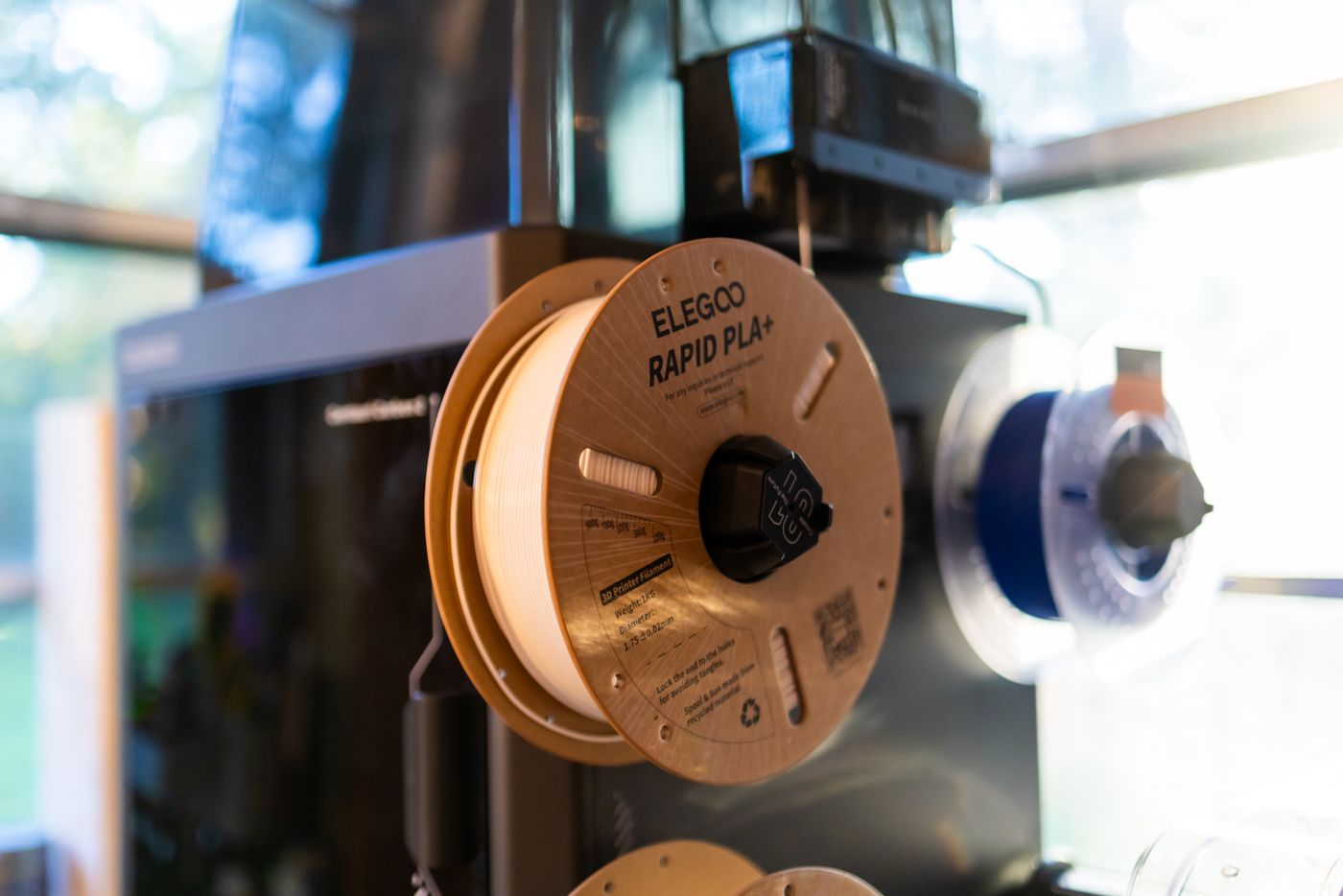 common 3d printing problems — Close-up view of a 3D printer with Elegoo Rapid PLA+ spool, ideal for tech enthusiasts
Photo: Caleb Oquendo / Pexels
Cause one: moisture. PLA absorbs water from humid air. When wet filament hits a 215 °C hotend, that water flashes to steam in the melt zone, pressure spikes, and the nozzle drools during travel. Wet filament also pops audibly, extrudes unevenly and leaves a dull, matte surface where dry filament is glossy. Coastal and monsoon-season India is exactly that environment: a spool left on an open shelf for three weeks prints noticeably worse than a fresh one.
Cause two: pressure and retraction. Molten PLA is runny, and Simplify3D's PLA notes point at retraction as the main lever. Retraction pulls filament back at the end of an extrusion so the nozzle stops dripping. Too little and every travel move strings; too much and the filament grinds flat, then under-extrudes.
Practical order for stringing:
- Dry the spool first — 45–55 °C for 4–6 hours in a filament dryer, or a sealed box with fresh silica for a week if you have no dryer. Drying filament in Indian humidity covers the storage side in detail.
- Drop nozzle temperature 5 °C and re-test. Lower temperature means higher melt viscosity and less drool.
- Tune retraction distance in 0.2 mm steps up to about 2 mm on a direct-drive machine, or 4–6 mm on a Bowden tube. Change one number at a time.
- Raise travel speed so the nozzle spends less time in the air over open space.
- Enable combing or "avoid crossing walls" so travel stays inside the part.
- Print a temperature tower rather than guessing. Ten minutes of test print beats an hour of failed attempts.
Dry first, tune second — a string-free print proves nothing if the spool was wet the whole time.
Layer Shifting: Why Did My Print Step Sideways Halfway Up?
Layer shift is the only one of the three that is usually hardware. The part does not deform — layers above a certain height are offset by a millimetre or two, and everything above that line shifts equally.
Find the direction and you have found the axis:
- Shift along X only → X belt tension, X pulley grub screw, or the X carriage binding.
- Shift along Y only → Y belt, Y idler, or the bed's own wobble.
- Shift that rotates the part → one belt is loose on a CoreXY machine, and the head is racking.
- Gradual drift rather than a step → skipped microsteps from overheating drivers or a dragging cable.
The checks that solve most cases:
- Pluck the belts. They should sound like a low guitar string, not a loose elastic band. Tighten until firm, not until the frame flexes.
- Check the pulley grub screws. A set screw that has backed out of a flat spot on the motor shaft produces an intermittent shift that looks random and is not.
- Lower acceleration before lowering top speed. Mass times acceleration is what makes a belt skip; 2,000 mm/s² is a sane ceiling on a bed-slinger.
- Look for a curled edge. A lifted corner is a wall the nozzle hits — warping disguised as a mechanical fault.
- Tidy the cable chain. A harness that snags at one Z height shifts the print at exactly that height, every time.
- Check stepper driver temperature. Overheated drivers derate, which shifts long prints but never short ones.
3D printer maintenance in India covers belt tension, nozzle torque and lubrication on a monthly schedule, which is the cheapest insurance against it.
The Five-Minute Diagnostic Order
Before changing a single slicer value, run this:
- Look at the first layer under good light. Flat, slightly wide lines with no gaps means the bed is fine.
- Flex the failed part. If layers peel apart cleanly, the problem is temperature or cooling, not the model.
- Snap a string. If it is brittle and snaps, suspect moisture. If it stretches like warm chewing gum, suspect temperature.
- Measure the shift. A 0.4–1 mm jump is belt or pulley. A 5 mm jump is a nozzle collision.
- Print the file again at 50% speed. A clean copy points at acceleration; a repeat failure points at hardware.
- Only then change retraction, temperature or flow — one variable per test.
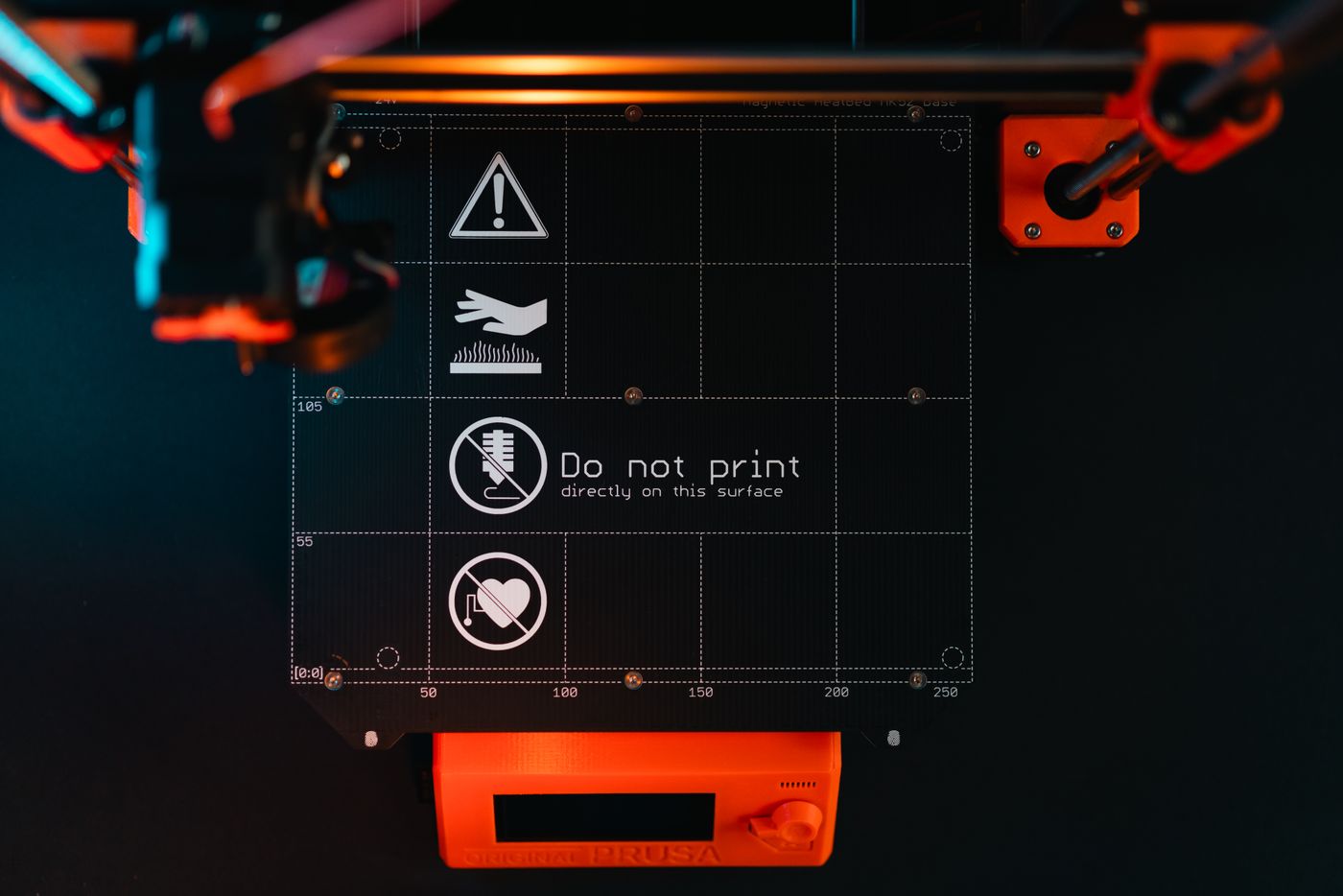 common 3d printing problems — 3D printer build plate with warning symbols, showcasing high-tech equipment in a workspace
Photo: Jakub Zerdzicki / Pexels
What These Defects Look Like on Small, Detailed Parts
A name keychain is a brutal test part: 1 mm letter strokes, counters inside letters, and a flat backing that has to sit flush on a desk. The three faults show up in specific ways.
Warping on a 60 mm flat tag shows as a rock — the tag tips when pressed at one corner, and the base never sits flat. Stringing collects in the counters of letters like A, O and R, where short hops between islands leave hairs. Layer shift breaks the top half of a name away from the bottom, which is instantly visible because the letterform no longer lines up.
This is why Nuho India prints its keychains in PLA+ at about 215 °C with letters fused to a continuous backing plate rather than glued on as separate cut-outs. A single fused piece has no joint to fail, weighs 14–18 g, and a printed tag in that range survives daily pocket carry because the layer bonds are tuned rather than accidental. Batch work is mostly about repeating one known-good profile, not chasing perfect settings.
Starting Values Worth Trying
A starting recipe for PLA and PLA+, not a law. Every spool differs, and layer height changes the rest.
| Setting | Start here | Why |
|---|---|---|
| Nozzle temperature | 210–215 °C | Hot enough to bond, cool enough not to string |
| Bed temperature | 55–60 °C, dropping to 50 °C | Adhesion without elephant's foot |
| First layer speed | 20 mm/s | Bond beats speed on layer one |
| Print speed (walls) | 40–50 mm/s | Stock hotends max out near 8–10 mm³/s |
| Layer height | 0.16–0.2 mm | Below 0.12 mm, print time doubles for little gain |
| Part cooling | 50% first 1 mm, then 100% | Corners hold, overhangs survive |
| Retraction (direct drive) | 0.8–1.2 mm at 30 mm/s | Enough to stop drool, not enough to grind |
| Brim | 5 mm on flat parts | Cheapest warp insurance there is |
When the Problem Is the Model, Not the Printer
Some defects cannot be tuned away. Overhangs steeper than about 45° need supports; a 0.8 mm text stroke on a 0.4 mm nozzle is under two extrusion widths, so it prints ragged every time. Fix the geometry before blaming the machine: add a 0.5 mm fillet to bottom edges, thicken strokes to at least 1.2 mm, chamfer hard 90° bases. A model designed for the process prints reliably on an average printer.
Honest Limits
None of this makes every spool printable. Some filament arrives wet; some budget machines ship with belts that will not hold tension; a worn 0.6 mm nozzle will never produce crisp 1 mm lettering. Parts in PLA+ also soften near 60 °C, so a keychain left on a dashboard in an Indian summer will deform — that is the material, not a setting you got wrong. Fix the three faults in order and keep a log of what changed.
Frequently Asked Questions
More Articles You Might Like
PETG Print Settings: Temperature, Speed and Bed Adhesion
PETG print settings that actually work: 240 °C nozzle, 80 °C bed, 50 mm/s, and the adhesion fixes that stop stringing, warping and wrecked beds.

3D Printed Lamps and Lampshades in India: Heat, Light and PLA+ Limits
A 3D printed lampshade works with LED bulbs and fails with incandescent ones. Wall thickness, bulb clearance and PLA+ heat limits, explained with real numbers.
3D Printed Phone Stands in India: Desk Risers and Car Docks
3D printed phone stands in India: desk risers and car docks, PLA+ design rules, the 15-25° angle rule and the 60-65 °C heat limit, honestly explained.