
How to Print Custom Shape Stickers: Cut Lines, Files and Machines
Nuho India Team
Nuho Creative Team
Key Takeaways & TL;DR
- A custom shape sticker needs three parts: artwork, a cut path offset 2-3 mm outside the art, and sticker paper matched to your printer.
- Laser printers heat the sheet to fuse toner, so inkjet-coated sticker paper can jam, curl or melt — paper and printer must match.
- Desktop cutters from Cricut, Silhouette and Brother are print-and-cut plotters: they read printed registration marks, then a knife follows the vector path.
- Hand tools suit 1-20 large shapes, a desktop cutter suits small batches, and die or kiss cutting is the cheapest per piece at fifty units or more.
- Print at your printer's best quality setting with artwork at final size, and let sheets dry a few minutes before cutting to avoid smeared ink.
To print custom shape stickers you need three things working together: artwork with a dedicated cut path, sticker paper that matches your printer, and a cutting method — hand tools, a desktop print-and-cut cutter, or professional die cutting. Print at your printer's best quality setting, keep the artwork sharp at final size, and let the cut line sit 2–3 mm outside the printed design so no blade ever clips the edge of your art.
That is the whole recipe. The rest of this guide is what actually decides whether your stickers look manufactured or homemade: what goes into the file, which paper belongs in which printer, and which cutting route fits your quantity.
What do you need to print custom shape stickers?
Four components, and every failed sticker project is missing one of them:
- A design file with a cut path — the artwork people see, plus a separate closed outline telling the cutter where to cut.
- A printer that matches the paper — inkjet sticker paper and laser sticker paper are different products, not different labels for the same sheet.
- The right sticker paper — matte for a muted look, glossy for saturated logos, waterproof film for anything that meets rain or a water bottle.
- A cutting method — scissors for ten big shapes, a desktop cutter for regular small batches, a die-cutting service for volume.
If you want ten large, simple stickers and own a steady hand, you can stop here and use scissors. Everything below is for shapes with corners, small letters, or quantities where consistency matters.
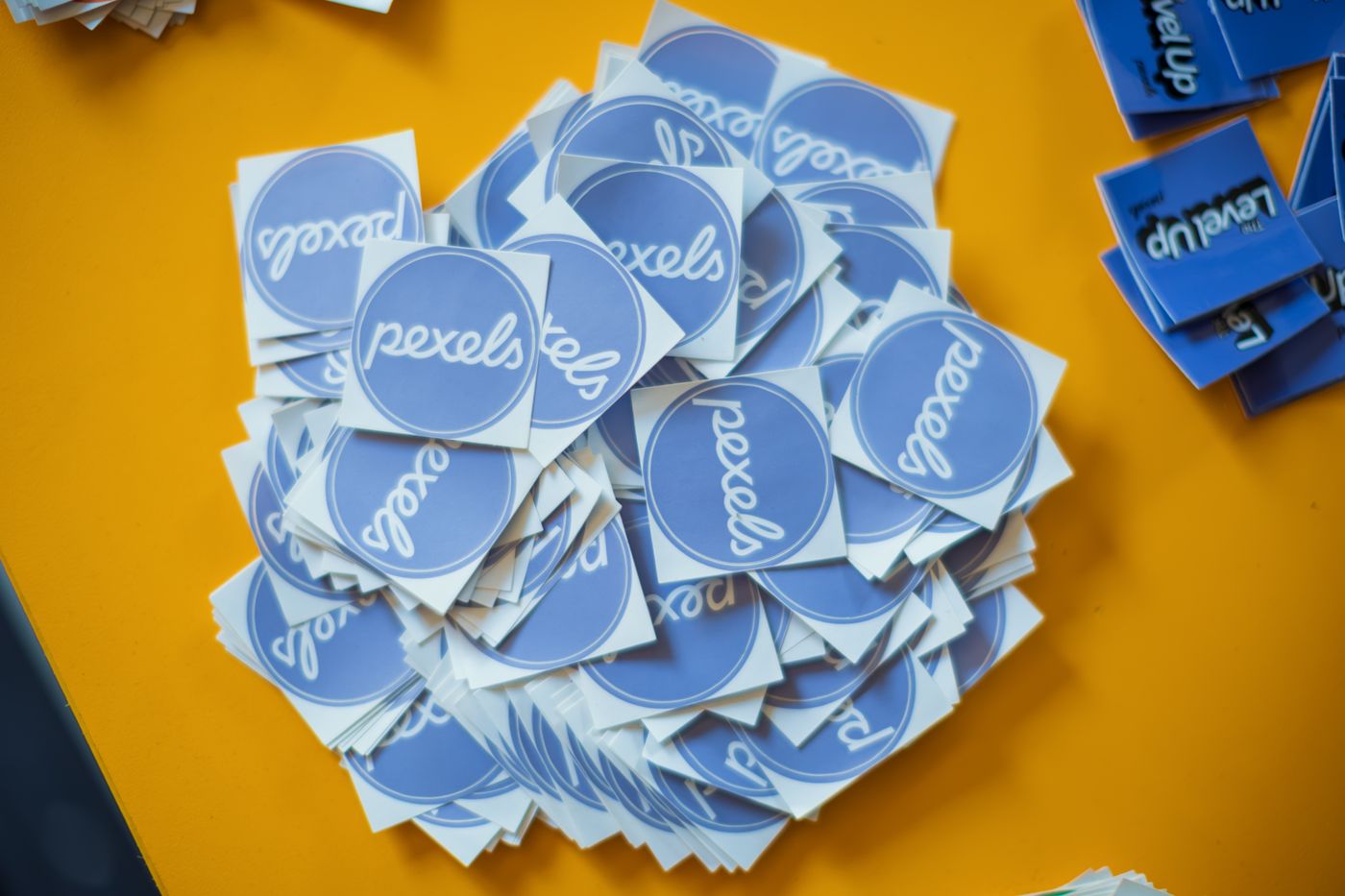 how to print custom shape stickers — Pile of blue Pexels stickers on a vibrant yellow surface, top view
Photo: Matheus Bertelli / Pexels
What is a cut line and why does it decide how your sticker looks?
A cut line is a closed vector outline that sits slightly outside your printed artwork. Print shops and cutting software treat it as the cut instruction: the blade follows that path, not the edge of the colours. In industrial production this is exactly what die cutting is — a shaped tool shears a web of paper, film or adhesive tape into labels, stamps and stickers. The desktop version is the same idea with a knife on a computer-controlled arm instead of a steel die.
Three rules for cut lines:
- Offset it 2–3 mm. The cut path should sit a couple of millimetres outside the printed art. Cut exactly on the colour edge and any tiny misalignment shows as a white sliver on one side and a clipped letter on the other. Our artwork, bleed and cut line guide shows the same offset with worked examples.
- Keep it closed and simple. One continuous outline beats forty tiny islands. Every separate outline is one more chance for the blade to lift, drag or double-cut.
- Put it on its own layer, as an outline, not a fill. The cut path is instructions, not art. A filled shape on the artwork layer prints black; a stroked path on a dedicated cut layer never prints at all.
Small text deserves a warning: a blade cutting 4 mm-tall letters has to turn inside the counter of every letter, and thin joins tear. If your design has small text, either enlarge it or let the cut line swallow the fine gaps and cut the word as one solid shape.
Which file format do sticker cutters actually accept?
| Format | What it carries | Best for |
|---|---|---|
| Print artwork + vector cut path + registration marks in one file | Desktop print-and-cut machines; the safest handoff | |
| SVG | Vector art and a named cut layer | Cutters and design software that read vectors directly |
| PNG at final size | Flattened pixels, no cut path | Shops that trace an outline themselves; last resort |
A flattened PNG contains no cut path, so someone has to draw one — you, your software, or the shop. That is work, and it is room for error. If you can, keep the design vector and export the print layer and cut layer together. Print shops often expect the cut outline as its own layer in a named spot colour — the naming convention varies, so confirm what your specific printer expects before sending anything.
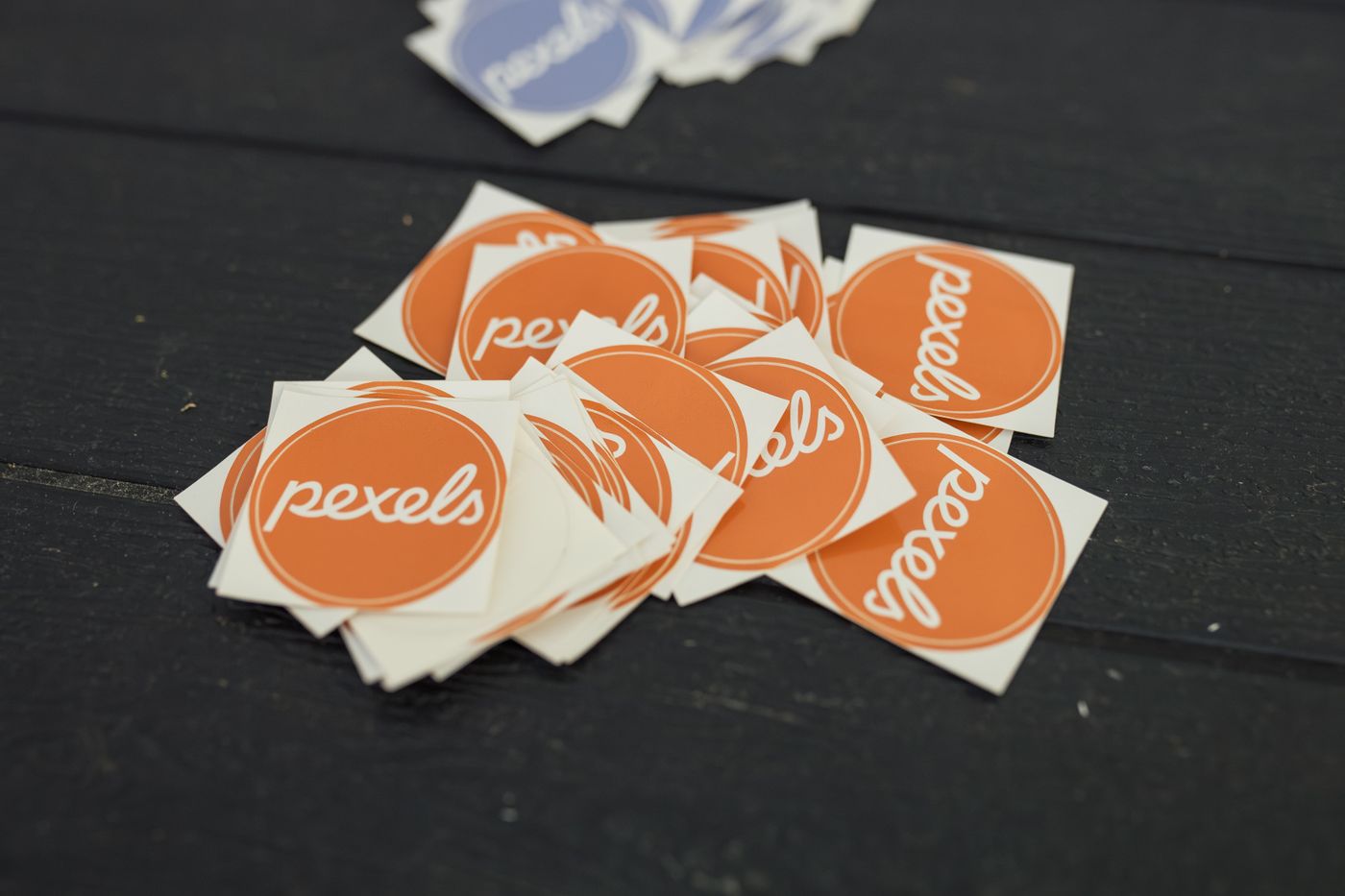 how to print custom shape stickers — A pile of Pexels logo stickers in orange and blue on a dark wooden table
Photo: Matheus Bertelli / Pexels
Inkjet or laser: match the printer to the sticker paper?
This is where hobby projects die. Laser printers fuse toner onto the sheet by heating it inside the machine, and sticker paper coated for inkjet ink is not built for that heat: sheets can jam, curl, or transfer adhesive onto the hot fuser. Inkjet sticker paper fed through a laser printer is the classic way to waste both a sheet and an evening.
| Inkjet | Laser | |
|---|---|---|
| How it prints | Liquid ink sprayed onto a coating | Toner bonded with heat |
| Sticker paper | Inkjet-specific, absorbent coating | Laser-safe, heat-stable backing |
| Photo gradation | Better on glossy film | Good, but flat areas can look slightly plastic |
| Splash tolerance of the print | Needs a coated or film sheet | Toner sits on top; generally more tolerant |
| Cost shape | Printer cheap, ink adds up | Toner costs more upfront, prints more pages |
Check your own printer's manual for the paper types it supports, and buy sticker paper labelled for that technology — the packaging always says. For a deeper model-by-model breakdown, our best printer for custom stickers guide compares inkjet, laser and dedicated cutting routes.
Three ways to cut custom shapes, compared
1. Hand tools
Scissors, a craft knife and a self-healing mat cost almost nothing and handle big, simple outlines surprisingly well. They fail on small radii, tight corners and repeatability — the fortieth sticker never matches the first. Fine for a one-off batch; wrong for anything you will order again.
2. Desktop print-and-cut cutters
This is what most people mean by print-and-cut stickers: a desktop cutting plotter from Cricut, Silhouette or Brother. A cutting plotter is a small knife that follows a vector path under computer control — the same family of machine sign shops have used to cut vinyl for decades. You print the artwork, usually with solid registration rectangles in the corners, the machine reads those marks with a sensor, works out where the sheet actually sits, and cuts the outline.
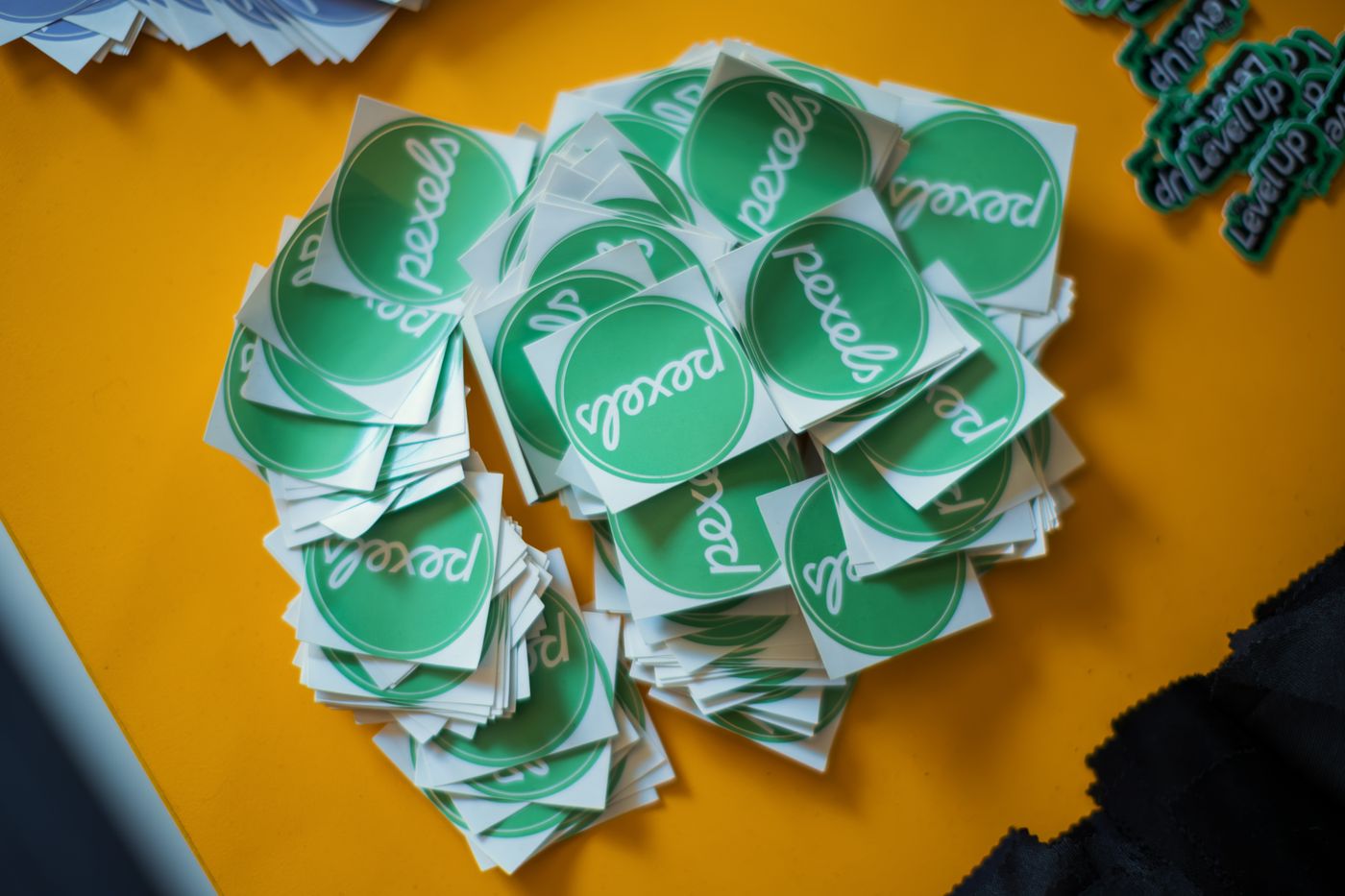 how to print custom shape stickers — A collection of green Pexels stickers neatly stacked on a vibrant yellow background
Photo: Matheus Bertelli / Pexels
The economics are honest: you pay once for the machine, then per sheet in sticker paper, blades and calibration time. Registration takes practice — glossy sheets glare the sensor, and a page fed in crooked cuts crooked. For occasional batches and craft-scale work it is genuinely satisfying. For a hundred identical stickers on a deadline, it is slow.
3. Professional die cutting and kiss cutting
At industrial scale, shaped cutting goes back to steel-rule dies: a formed strip of hardened steel set into a board, pressed through the material. That is the same die-cutting process that produces labels and packaging, and its close cousin kiss cutting slices only the top layer, so a whole set of shapes peels off one shared backing sheet. Our die-cut vs kiss-cut comparison covers which one suits which job.
| Route | Best for | Cost shape | Consistency |
|---|---|---|---|
| Hand tools | 1–20 big simple shapes | Nearly free | Depends on your patience |
| Desktop cutter | Small batches, craft, names | Machine once, then materials | Very good once calibrated |
| Die or kiss-cut service | Fifty or more pieces, small letters, retail look | Cheapest per piece at volume | Identical on every unit |
The print-and-cut workflow, step by step
- Design at final size. Decide the sticker's real dimensions first; scaling artwork up later softens edges.
- Add the cut path with a 2–3 mm offset, closed, on its own layer.
- Export the print layer and cut layer in one PDF or SVG where possible.
- Print on the correct paper for your printer, at the best quality setting, with registration marks enabled if your cutter uses them.
- Let the sheet dry for a few minutes before loading it — wet ink smears under a roller.
- Calibrate on a practice sheet: print a test square, cut it, and nudge the offset until the blade lands where you expect.
- Cut, then weed the excess film away from the backing while the sheet is still flat on the table.
- Peel-test one sticker before you hand any out. If the cut drags or the corner lifts messily, the blade is dull or the offset is wrong — both cheaper to fix than on sheet fifty.
When to skip the machine and order custom shape stickers instead
An honest calculation: a desktop cutter, spare blades, a cutting mat and stacks of sticker paper cost more than most one-off batches, and the machine only pays for itself once you are printing regularly. If you want a hundred mascot stickers, a set of product labels, or return-gift sheets for a birthday, the arithmetic favours ordering them pre-cut.
That is what Nuho India does — custom-shape and cartoon stickers, printed and cut to your outline, manufactured and dispatched in 24–48 hours from Coimbatore, Tamil Nadu. You send the design, or the idea, and get die-cut or kiss-cut stickers without buying a machine. See the full range on the products page.
Printing them yourself is a real skill and worth keeping if you will use it. For a single batch with a deadline, a die-cutting service is simply the better tool.
Five mistakes that waste sticker sheets
- Inkjet paper in a laser printer — heat causes jams, curls and melted adhesive. Match paper to printer, always.
- Cut line exactly on the artwork edge — one misalignment and the design gets a haircut. Offset it.
- Low-resolution artwork — blurry in, blurry out; keep files vector, or bitmap at final size and sharp.
- Cutting before the ink cures — give the sheet a few minutes, or the roller smears it.
- Skipping the test cut — every cutter drifts until it is calibrated; learn on a scrap sheet, not the good one.
Frequently Asked Questions
More Articles You Might Like
Cheap Custom Shape Stickers in India: What a Low Price Costs You
Cheap custom shape stickers usually cut four things, not the material: thinner film, generic adhesive, no laminate and a fast cut. Here is how to audit a quote.
3D Printed Engagement Gifts in India: Keepsakes Under ₹500
3D printed engagement gift ideas under ₹500: personalised PLA+ keepsakes from ₹129, made in Coimbatore and despatched in 24–48 hours.
3D Printed Gifts for Girlfriend: Personalised Keepsakes in India
3D printed gift for girlfriend ideas in India: personalised PLA+ keepsakes from ₹129, made in 24–48 hours, with honest material limits and sizing.