
Custom Stickers in Any Shape: Artwork, Bleed and Cut Lines
Nuho India Team
Nuho Creative Team
Key Takeaways & TL;DR
- A shaped sticker needs 2-3 mm of bleed beyond the cut line; die-cutting sometimes calls for up to 6.35 mm (1/4 inch) because the material moves during the cut.
- Keep all text at least 3 mm inside the cut line and never let a limb or neck go below 2 mm wide.
- Send vector artwork with the cut path on its own labelled layer and fonts outlined; a 50 mm sticker at 300 dpi needs roughly 590 pixels across.
- Round internal corners to 1-2 mm and drop any isolated element under 1.5 mm — those are the two failure points that tear or lift first.
- Nuho India cuts custom shape stickers to your contour in Coimbatore, Tamil Nadu, with a 24-48 hour manufacturing window.
What artwork does a custom sticker in any shape actually need?
A custom sticker in any shape needs four things: a vector cut line on its own layer, 2–3 mm of bleed beyond that line, all text held 3 mm inside it, and a 300 dpi raster fallback if you cannot supply vector. Get those right and the blade follows your design instead of guessing at it. Get them wrong and you get white slivers, clipped letters or torn necks.
The shape is the easy part of the brief. The hard part is everything the shape forces you to decide — how far the ink must run past the edge, how thin a limb can survive handling, how much room the text needs to stay clear of a blade that moves. Nuho India cuts custom shape stickers in Coimbatore, Tamil Nadu, and most of the reprints we see trace back to one of those three numbers, not to the illustration.
What is bleed, and why does a shaped sticker need more of it?
Bleed is the ink that runs past the line where the sticker will be cut. Bleed in printing exists because no cutting process lands exactly on the same line every time — paper and vinyl shift slightly under a blade, so artwork is printed larger and trimmed back into the design. Without bleed, a half-millimetre of drift shows up as a white edge all the way around your sticker.
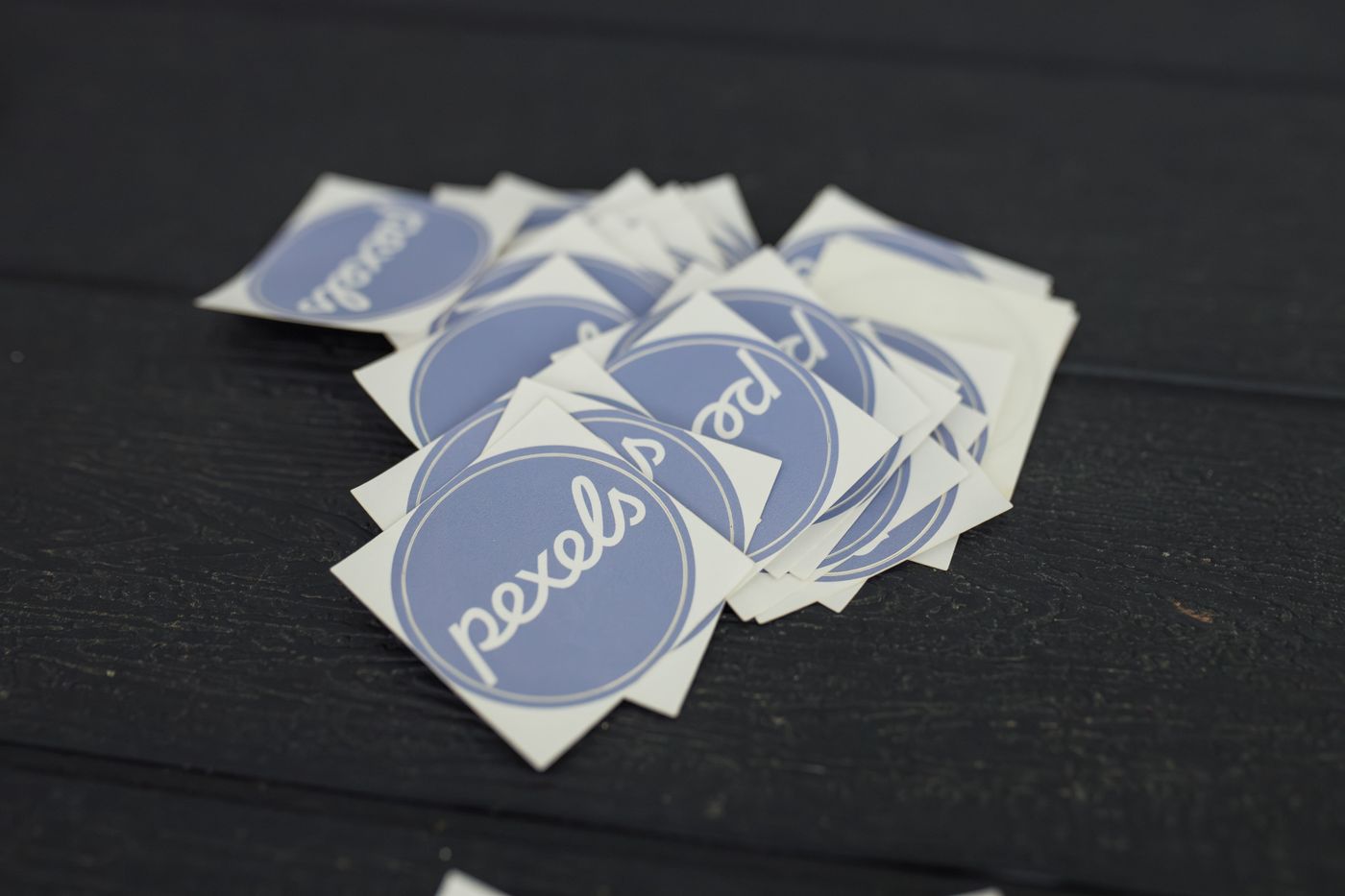 custom stickers in any shape — A pile of Pexels logo stickers arranged on a dark wooden surface
Photo: Matheus Bertelli / Pexels
The standard numbers are small but not uniform. Wikipedia puts general print bleed at about 1/8 inch (3.2 mm) in imperial work and 2–5 mm in metric, and notes that die-cutting sometimes calls for as much as 1/4 inch (6.35 mm) because of how the material can move during the cut. That last figure is the one that matters for stickers: a shaped sticker is cut on a contour, not trimmed on four straight guillotine lines, so the tolerance on a curve is wider.
Practically, for stickers made in India, 2–3 mm of bleed is the working minimum and 4 mm is safer on anything with fine detail near the edge. Extend the background colour, not just the outline — if your sticker has a coloured border, the border must continue into the bleed zone so the cut can land anywhere inside it and still look deliberate.
What does a cut line actually do?
A cut line — also called a die line, contour or path — is a vector path that tells the machine where the blade travels. It is not artwork. It should sit on its own named layer, be a single closed path, be a pure spot colour (100% magenta is the common convention), and have no stroke weight that a ripper might mistake for a printed element.
Three rules cover most cut-line failures:
- One closed path per sticker. Open paths, double paths and self-intersections confuse the toolpath generator and produce partial cuts.
- No overlapping or touching shapes. Two stickers sharing an edge will tear into each other when peeled. Leave at least 2 mm of gap between neighbouring cut lines on a sheet.
- Smooth the curve before sending. Very tight radii below roughly 1.5 mm are hard on a blade and hard on vinyl; a slightly rounder corner cuts cleaner and feels better in the hand.
If you are supplying a raster file instead of vector, you are effectively asking the printer to redraw your outline by hand — which is why a hand-cut vector path is worth the ten minutes it takes.
How much safe area should text have?
Text needs 3 mm of clearance inside the cut line, minimum. That is the single most common avoidable error: a name or logo set flush to the edge looks fine on screen and arrives with the top of a letter shaved off, because the blade drifted inward by the amount you left no room for.
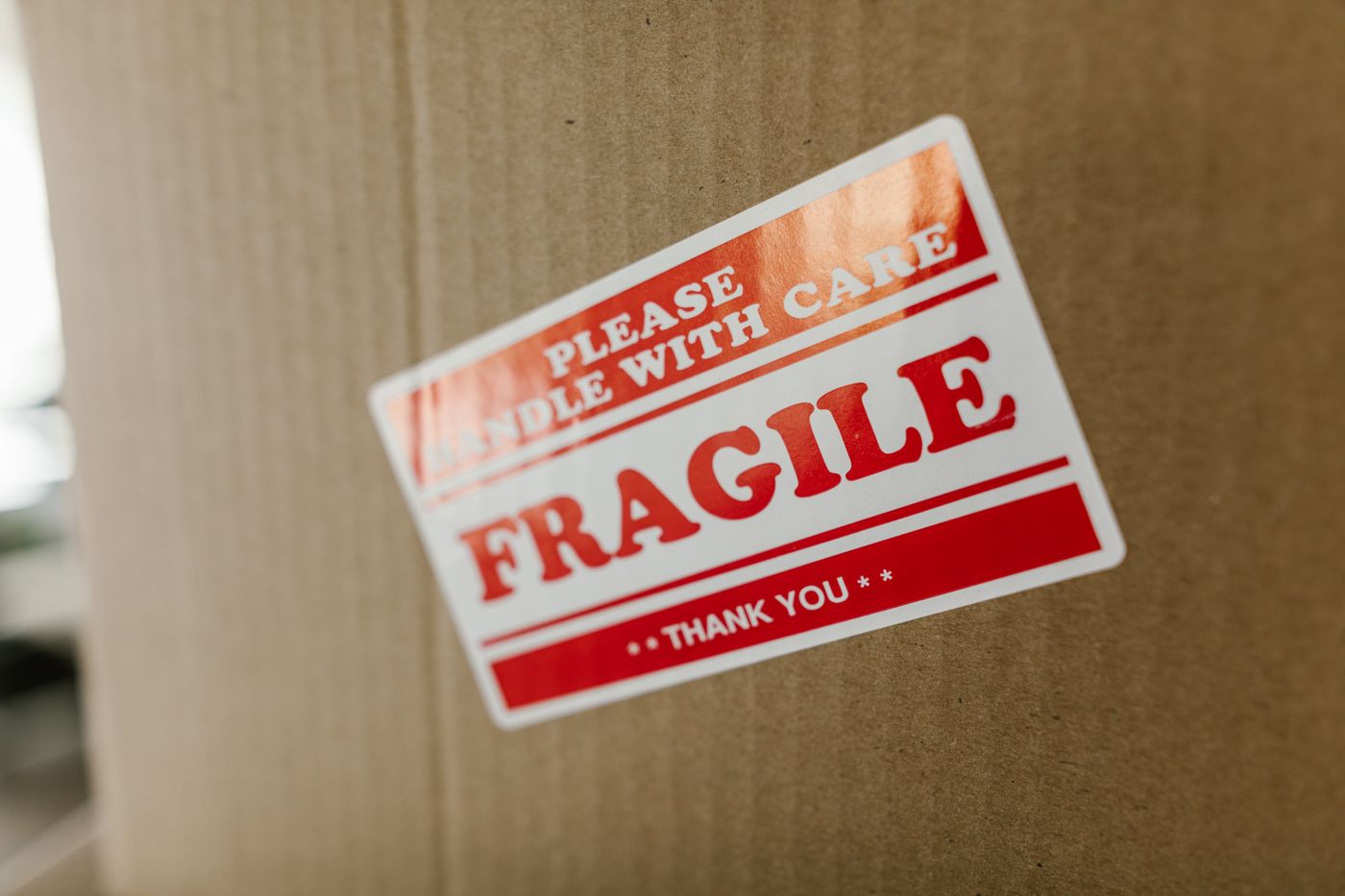 custom stickers in any shape — Close-up of a cardboard box with a 'fragile' sticker indicating careful handling
Photo: RDNE Stock project / Pexels
There is a second, less obvious reason to keep text inward. On a shaped sticker, the eye reads the edge as a frame. Text that sits 0.5 mm from the contour looks like a printing mistake even when it is technically intact; text at 3–4 mm looks intentional. On small stickers — under 40 mm — that gap is a large share of the width, so set your type smaller and give it air rather than pushing it to the boundary.
| Element | Distance from cut line | Why |
|---|---|---|
| Background colour | 2–4 mm outside (bleed) | Absorbs cutting drift |
| Text and logos | 3 mm inside | Prevents clipped letterforms |
| Critical detail (thin lines, small type) | 4 mm inside | Survives blade wander on vinyl |
| Between neighbouring stickers | 2 mm minimum | Stops peel-tearing |
| Minimum limb/neck width | 2 mm | Survives handling and peeling |
Which file format should you send?
Vector first, always: PDF, AI, EPS or SVG, with fonts converted to outlines and the cut line on a labelled separate layer. Vector scales without loss, and the cut path stays mathematically exact, which is what a blade needs.
If you only have a raster file, send a PNG at 300 dpi at final print size with a transparent background, and draw the intended outline as a separate solid-colour shape. Do not send a JPEG — the compression artefacts land exactly where a hard colour edge meets the shape, and that edge is where the cut goes. A 50 mm sticker at 300 dpi is roughly 590 pixels across; anything smaller than that will look soft at arm's length.
Also check your canvas size. A common mistake is designing on a 1080 × 1080 pixel social template and then discovering the sticker is meant to be 60 mm wide, which makes the effective resolution about 450 dpi in one direction and 200 in another after cropping.
How do you set up the file in Canva, Illustrator or Inkscape?
The tools differ mainly in how honest they are about bleed.
- Set the document to final size plus bleed. In Illustrator, set the artboard to the sticker's finished size and enter 3 mm in the bleed fields. Adobe's printer's marks workflow assumes bleed is defined in document setup before marks are output — set it first, not at export.
- Build the cut path on a layer named
CUT. Lock it. Never place artwork on that layer. - Extend backgrounds into the bleed with the artboard clipped off, so you can see exactly what will be trimmed.
- Outline all type (
Type > Create Outlines) before export. Missing fonts get substituted silently and shift your margins. - Export a press-ready PDF with crop marks and 3 mm bleed, or a flattened PDF at 300 dpi if your printer asks for that.
- Send a flat preview PNG alongside it. It costs nothing and catches the "wrong file version" mistake before a blade does.
Canva has no true bleed control on the free tier, so if you design there, add your own 3 mm border of background colour beyond the intended edge and treat it as sacrificial. That is the same thing as bleed, done manually.
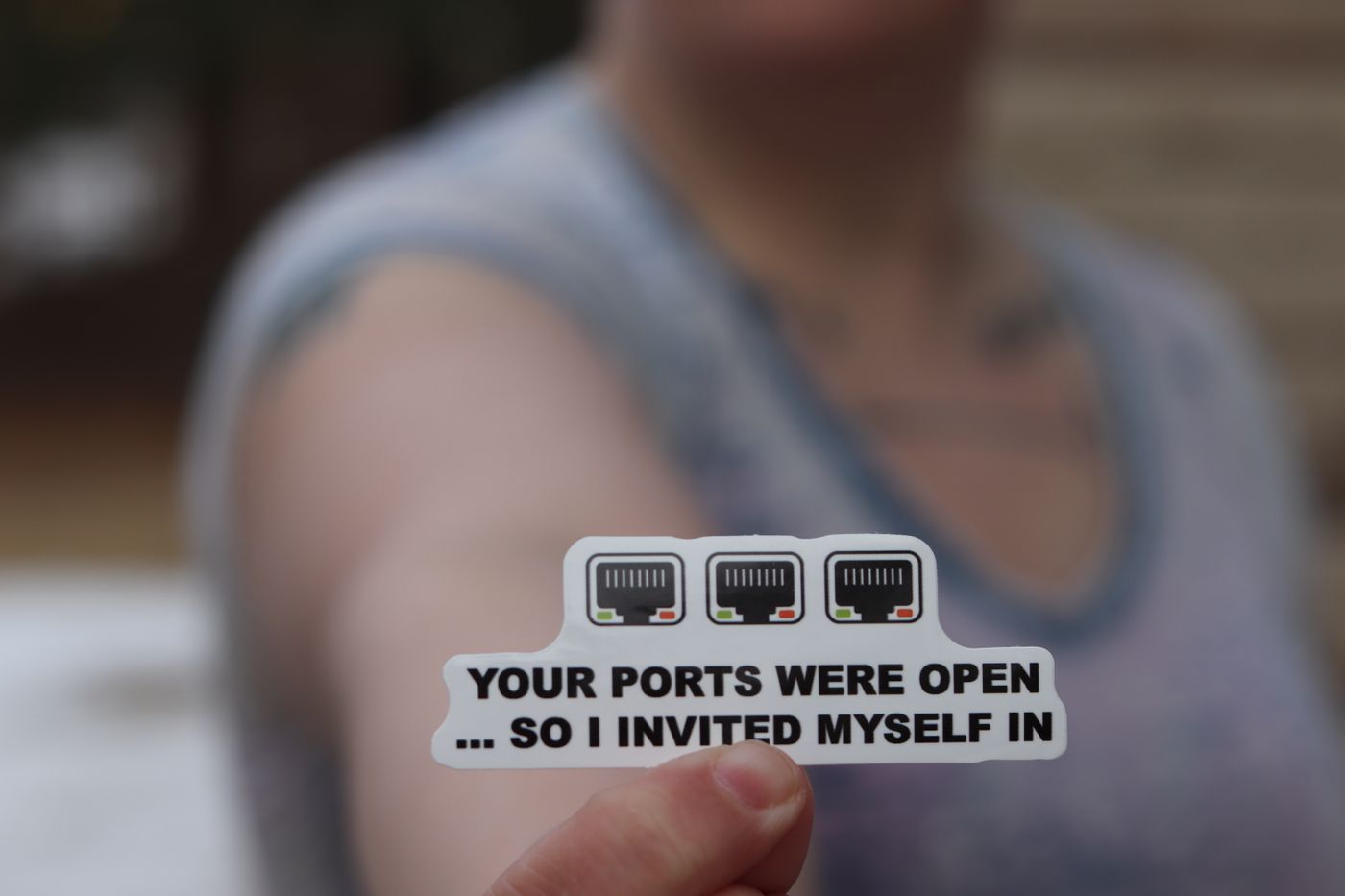 custom stickers in any shape — Person holding a funny internet security sticker about open ports
Photo: RealToughCandy.com / Pexels
Why do thin necks and sharp internal corners fail?
Because a sticker is a physical object that gets peeled, stuck and picked at. A 1 mm-wide neck between two lobes of a design has almost no peel strength — it tears the first time someone lifts the sticker off its liner, and it curls on a curved surface. Two millimetres is the practical floor, and 3 mm is comfortable.
Sharp internal corners concentrate stress. A 90-degree inside corner is where a vinyl sticker starts to lift, because the material has no radius to distribute the peel force. Rounding an inside corner to 1–2 mm adds nothing visually and materially extends the sticker's life on a laptop lid or a bike tank.
The same logic applies to very fine isolated elements — a dot over an "i", a sparkle, a detached letter fragment. Anything under about 1.5 mm in its smallest dimension should either be connected to the main body or dropped. This is exactly the trade-off covered in the guide to custom shape stickers in India, where shape complexity drives both price and failure rate.
Does a shaped sticker cost more than a rectangle?
Yes, and predictably so. A rectangle is cut on a guillotine or a straight-line blade; a custom shape needs a contour path, either a physical die or a digital cutter, plus a separate setup step to register the cut to the print. That setup is a fixed cost, which is why the gap between rectangle and shaped pricing narrows sharply per unit as quantity rises.
What you should not do is trade shape complexity for cheapness in a way that breaks the sticker. A design with twelve thin protrusions costs more and survives less than a design with one clean silhouette. Simplifying the outline is usually free, and it is the one lever that improves both numbers at once.
Material choice changes the equation too. Paper face stock is cheap and takes ink beautifully but lifts at the first splash; vinyl conforms to curves and survives weather. That trade-off is set out in glossy vs matte stickers if you are still deciding on finish, and it matters more for shaped stickers than rectangles because a shaped edge is where lifting starts.
How do you check a proof before the blade moves?
Ask for a digital proof with three visible layers: artwork, cut line and safe area. Then check five things on it.
- Zoom to 400% at the contour. Look for text within 3 mm of the line.
- Check the bleed zone is filled, not white, along the entire perimeter.
- Confirm the cut path is closed and does not cross itself.
- Look at the smallest element and ask whether it is at least 1.5 mm across.
- Print it at 100% on paper and cut it out with scissors. A physical paper cutout at true size exposes weak necks faster than any screen preview.
That last step takes two minutes and has saved more reprints than any software check.
How does Nuho India handle shaped sticker files?
Nuho India prints and shape-cuts custom stickers in Coimbatore, Tamil Nadu, with a 24–48 hour manufacturing window. Send vector artwork with the cut line on its own layer and 2–3 mm of bleed, and the outline is cut to your path rather than to a stock die library. If you only have a flat image, send it at 300 dpi at final size and we will trace the contour for approval before cutting.
For anything heading onto a laptop, a bottle, a bike panel or a return-gift box, the same four numbers do the work: bleed outside, safe area inside, 2 mm minimum limb width, and a closed path between them. The full custom sticker range — names, logos, cartoon shapes and one-off contours — is on the Nuho India products page, and the ordering timeline from artwork to doorstep is covered in custom stickers online in India if you need to plan around a date.
Prices and turnaround shift with material and quantity, so confirm the current figures before you commit to a large run.
Frequently Asked Questions
More Articles You Might Like

Keychain Gifts for Teachers in India: Personalised End-of-Term Ideas
What a class set of personalised teacher keychains costs in India, which designs survive a school year, and how to order before the 5 September rush.
Custom Shape Label Stickers for Products and Packaging (2026)
A practical guide to custom shape label stickers: die-cut vs kiss-cut, paper vs vinyl, sizing rules, artwork files and order quantities for Indian brands.
Name Keychains Under ₹25: What Bulk Pricing Really Means
A ₹25 name keychain is real, but it is rarely a personalised delivered price. Here is what bulk quotes exclude, and what a printed PLA+ keychain actually costs.