
3D Printing Keychains: Settings, Strength and Batch Cost
Nuho India Team
Nuho Creative Team
Key Takeaways & TL;DR
- A 3D print for keychain projects needs 3-4 walls, 5-6 top and bottom layers and ~215 °C nozzle heat in PLA+ — infill adds almost nothing to a flat tag.
- A typical printed name keychain weighs 14-18 g and costs ₹12-18 in filament at ₹0.80-1.20 per gram, versus ₹129-₹149 finished from Nuho India.
- Print keychains flat on the bed: upright printing puts the layer lines across the load path and the split ring shears them apart.
- PLA+ melts at 150-160 °C and warps on a sun-baked car dashboard — use PETG if your keys live on the dash.
- A batch of 50 tags uses about ₹600-900 of filament but most of two working days of machine time — buying finished wins on deadline jobs.
What does it take to 3D print for keychains at home?
To 3D print for keychain projects at home, you need four things: a flat model roughly 8–10 mm thick, PLA+ filament, a 0.4 mm nozzle, and slicer settings that favour strength over speed — 3–4 solid walls, a fully closed top and bottom, and a continuous backing plate. A typical name keychain prints flat in 25–45 minutes, weighs 14–18 g, and consumes roughly ₹12–18 of filament. The printer is the easy part. The hard part is designing letterforms that survive being pulled out of a pocket thousands of times.
Every home filament printer builds this way: plastic filament is fed through a heated nozzle and deposited one layer at a time (fused filament fabrication explained on Wikipedia). That layer-by-layer build is both the strength and the weakness of a printed keychain. Layers bond to each other well, but the finished part is only as tough as those bonds and the geometry you give it. Get the settings and the shape right, and a printed tag outlasts the split ring it hangs on.
Best slicer settings to 3D print keychains
These are the settings that matter when the goal is a keychain — a thin, flat, repeatedly loaded part — not a figurine. They are starting points; your spool's own temperature range always wins.
| Setting | Recommended value | Why it matters for keychains |
|---|---|---|
| Material | PLA+ | Tougher layer bonding than standard PLA; prints at the same temperatures |
| Nozzle | 0.4 mm | Fine 0.2 mm nozzles clog on filled PLA+ and double batch time |
| Layer height | 0.16–0.20 mm | 0.12 mm doubles print time with no strength gain on a flat tag |
| Perimeters (walls) | 3–4 | Walls carry the load; a loaded ring pulls mostly through the outer shells |
| Top / bottom layers | 5–6 | On a 2.5 mm plate this closes both faces, making the tag effectively solid |
| Infill | 0–20% | Almost irrelevant once top and bottom layers close a thin part |
| Nozzle temperature | ~215 °C for PLA+ | The temperature Nuho India prints PLA+ at; stay inside your spool maker's range |
| Outer wall speed | 40–60 mm/s | Cleaner letter edges and fewer blobs on small text |
| Supports | None | Always print a keychain flat on the bed |
| Bed | 60 °C on PEI; brim for tiny parts | Small contact areas pop off mid-print if the bed is cold |
Notice what is missing: infill does almost nothing for a flat tag that is mostly top and bottom layers anyway. People obsess over infill percentages when the real strength lever is perimeter count and print orientation.
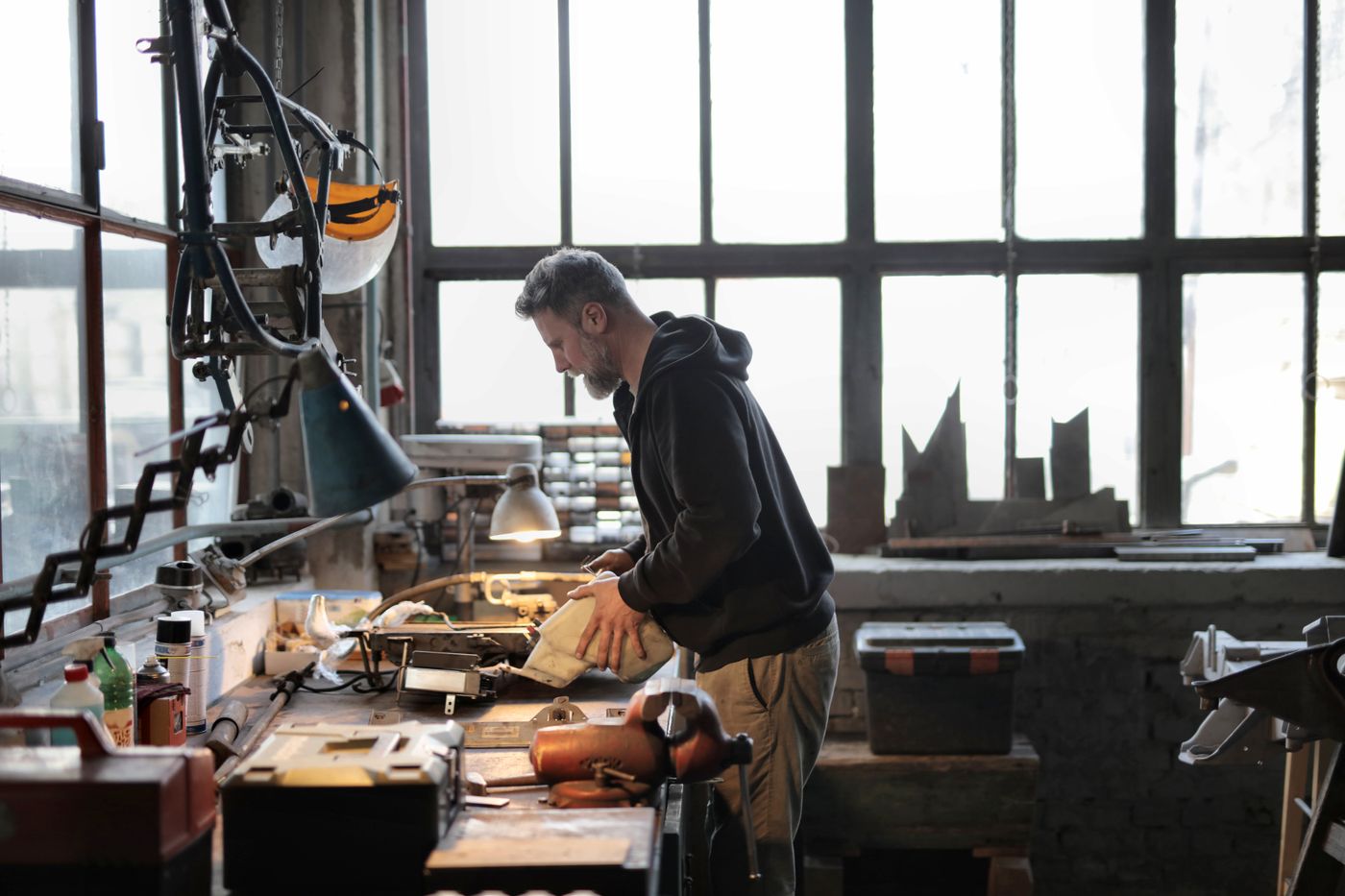 3d print for keychain — Side view of male workshop owner standing near messy workbench and fixing metal details while using instruments during work
Photo: Andrea Piacquadio / Pexels
Why PLA+ is the default material for 3D printed keychains
PLA is the most widely used plastic filament in home 3D printing, prized for its low melting point, high strength, low thermal expansion and good layer adhesion — though it has poor heat resistance unless annealed (polylactic acid material data on Wikipedia). PLA+ is the tougher variant of that same base polymer: rubber-toughening additives give it noticeably better impact resistance and layer bonding, which is exactly what a tag that gets dropped, twisted and yanked needs.
The same source lists PLA melting at 150–160 °C with a density of 1,210–1,430 kg/m³. That density explains the weight of a real printed keychain: 15 g of solid PLA+ is about 11–12 cm³ — roughly two small name tags the size of a house key. It is light enough to disappear in a pocket and heavy enough not to feel like a toy.
The honest limitation: PLA+ softens in direct Indian summer sun on a car dashboard. Inside a pocket or bag it is unbothered; on a dashboard in May it will warp. If your keys live on a dashboard, PETG is the better material choice. A good tag design plus the wrong material still fails — which is the next section's whole point.
What actually makes a 3D printed keychain break
"PLA is too weak" is almost never the real cause of a broken keychain. Four design faults explain nearly every snapped tag:
- Hair-thin letters on a thin plate. A 1.5 mm-wide letter stem printed 2 mm thick snaps on the first pocket snag. Keep stems at 2.5 mm or wider, and thicken the plate to 2.5–3 mm.
- Printing the tag upright. Standing a tag on its edge puts the layer lines exactly across the load path, so the ring shears the layers apart. Print flat — the ring hole then pulls in-plane, where the continuous plastic is strongest.
- Glued assemblies instead of fused geometry. A glued letter snaps at the glue line under the lightest twist. Letters printed as one piece with the backing plate transfer the load into the plate itself. This is the same principle behind the way custom keychains are actually made: Nuho India prints letters fused to a continuous backing plate at ~215 °C rather than gluing brittle cut-outs on top.
- A sharp-cornered ring hole. A square-cornered hole is a crack starter. A round hole 5–6 mm across, ideally with a printed chamfer, spreads the pull load evenly.
None of these need special hardware. All of them decide whether the tag lasts a year or a fortnight.
 3d print for keychain — A skilled craftsman meticulously works on leather, showcasing traditional craftsmanship in a well-lit workshop
Photo: Vlada Karpovich / Pexels
Batch cost: the real numbers behind 3D print for keychain economics
PLA and PLA+ filament in India commonly sells in the ₹800–1,200 per kilogram range — prices move, so re-check current listings before you budget. At ₹0.80–1.20 per gram, a 15 g keychain costs ₹12–18 in raw filament, plus a few rupees of electricity for a 200 W machine running 35–45 minutes at Indian domestic tariffs.
Machine time is the hidden cost. A printer running one tag in 35 minutes manages roughly 14–16 tags a day at best — less once you account for bed cleaning between batches and the failed first layers that every FFF operator has seen. At ₹12–18 of filament per tag, a batch of fifty is ₹600–900 of plastic but most of two working days of machine time.
Compare that with buying finished: Nuho India sells custom 3D printed keychains at ₹129–₹149, manufactured and despatched in 24–48 hours from Coimbatore, Tamil Nadu. The gap between ₹15 of filament and ₹139 of product is design time, machine time, QC, split-ring hardware, packaging — and getting a design you actually wanted without modelling it yourself. What ₹129–₹149 really buys breaks that price down properly.
The honest verdict: if you own a printer and enjoy the design work, printing your own tags is genuinely satisfying and costs a fraction per piece. If you need twenty matching number-plate tags by Friday, buying finished costs less per hour of your life even though the per-unit price is higher.
How to 3D print a keychain, step by step
- Design or download the model. TinkerCAD is enough for name tags; keep letter stems ≥ 2.5 mm and the plate 2.5–3 mm thick.
- Add the ring hole in the model, not after printing — a round 5–6 mm hole, positioned so the pull load runs in-plane.
- Export as an STL and lay it flat on the virtual bed. No supports, ever.
- Slice with the settings table above — 3–4 walls, 5–6 top and bottom layers, ~215 °C for PLA+.
- Print and let the bed cool before removing; prying a hot tag off the bed is how letters shear off.
- Fit the split ring and wash off any bed residue with warm water.
- Twist-test the first piece of every batch by hand. If one letter pops, the whole batch shares the fault — fix the design before printing the other 49.
If a print comes out rough — stringing, blobs on small text, layers splitting — Simplify3D's print quality troubleshooting guide maps each symptom to the setting that fixes it.
 3d print for keychain — Two men working together at a desk, taking notes in a modern workshop environment
Photo: Thirdman / Pexels
3D print keychain ideas that people actually use
Autocomplete tells you what makers search for, and the list is consistent: name keychains, number-plate tags for bike and car keys, jersey number tags, luggage and gym-bag tags, pet tags, and small event favours. Kids' school-bag name tags are a strong use case — light, washable and impossible to buy personalised in a shop. Business batches (branded tags for a small team or a launch) are where per-unit machine time starts to hurt and buying finished makes more sense.
Buying instead of printing: Nuho India
If a printer-full of settings is more project than you signed up for, Nuho India prints custom 3D printed keychains and decor in PLA+ at ~215 °C, with letters fused to a continuous backing plate, at ₹129–₹149 with 24–48 hour despatch from Coimbatore, Tamil Nadu. Custom-shape and cartoon stickers cover the flatter, flexible tag jobs that plastic cannot. The current range is at nuho.in/products.
Prices and specs change — verify filament prices and machine settings with the manufacturer before you buy.
Frequently Asked Questions
More Articles You Might Like
3D Printer Accessories as Gifts: What a Maker Actually Uses
Looking for 3D printer accessories as gifts? This maker-focused guide ranks calipers, dryers, cutters and filament by real daily use, with honest India price ranges.
Can You Paint 3D Printed Items? PLA+ Prepping and Paint
Yes, you can paint 3D printed items. How to sand, prime and paint PLA+ so the finish holds — and why painted keychains chip where printed colour does not.
Resin 3D Printing Safety: Gloves, Ventilation and Waste
Resin 3D printing safety for home setups: nitrile gloves, real extraction, a two-jar IPA wash, and how to solidify resin waste instead of pouring it away.